Purchasing residential proxies
Purchasing proxies
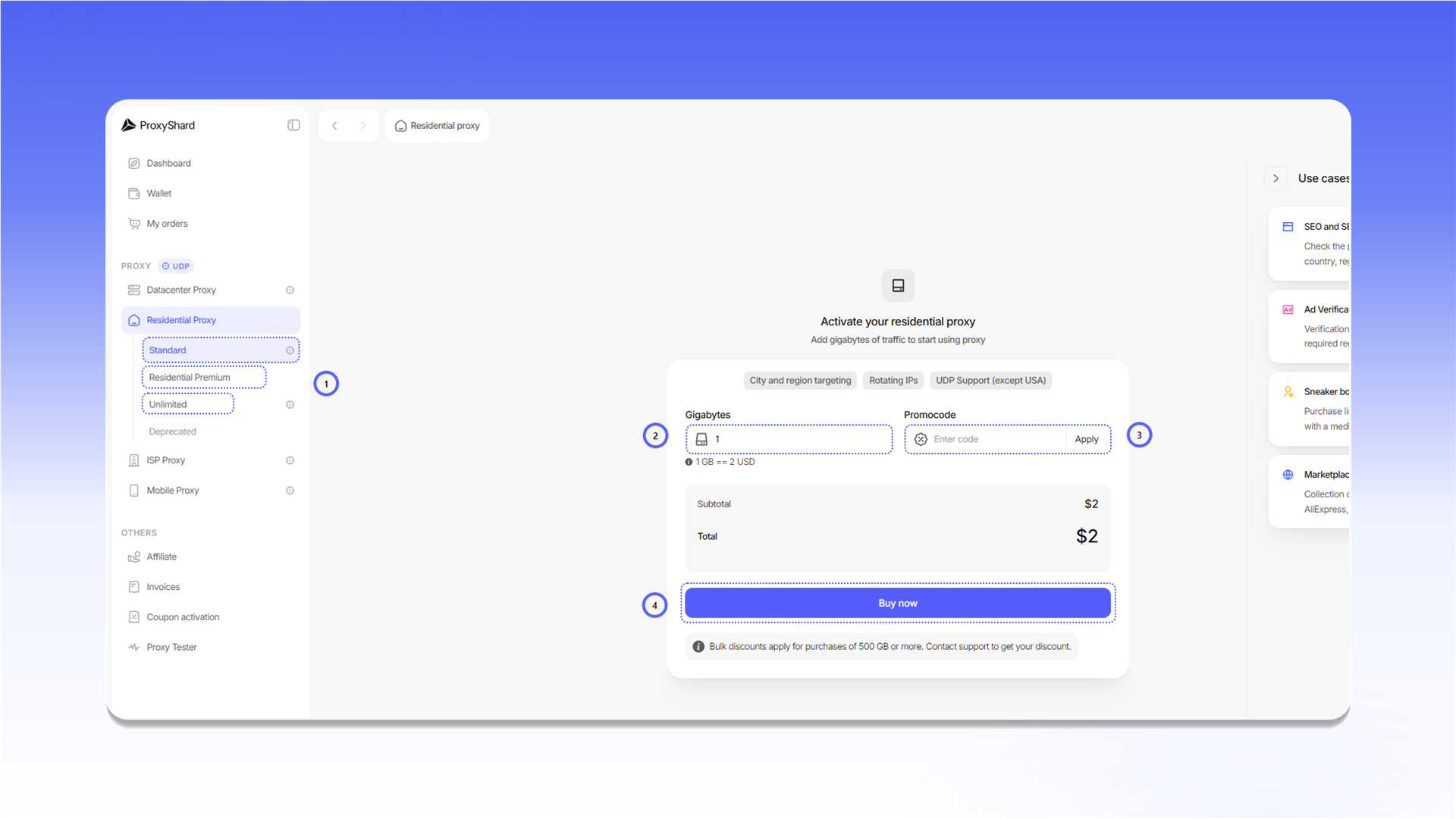
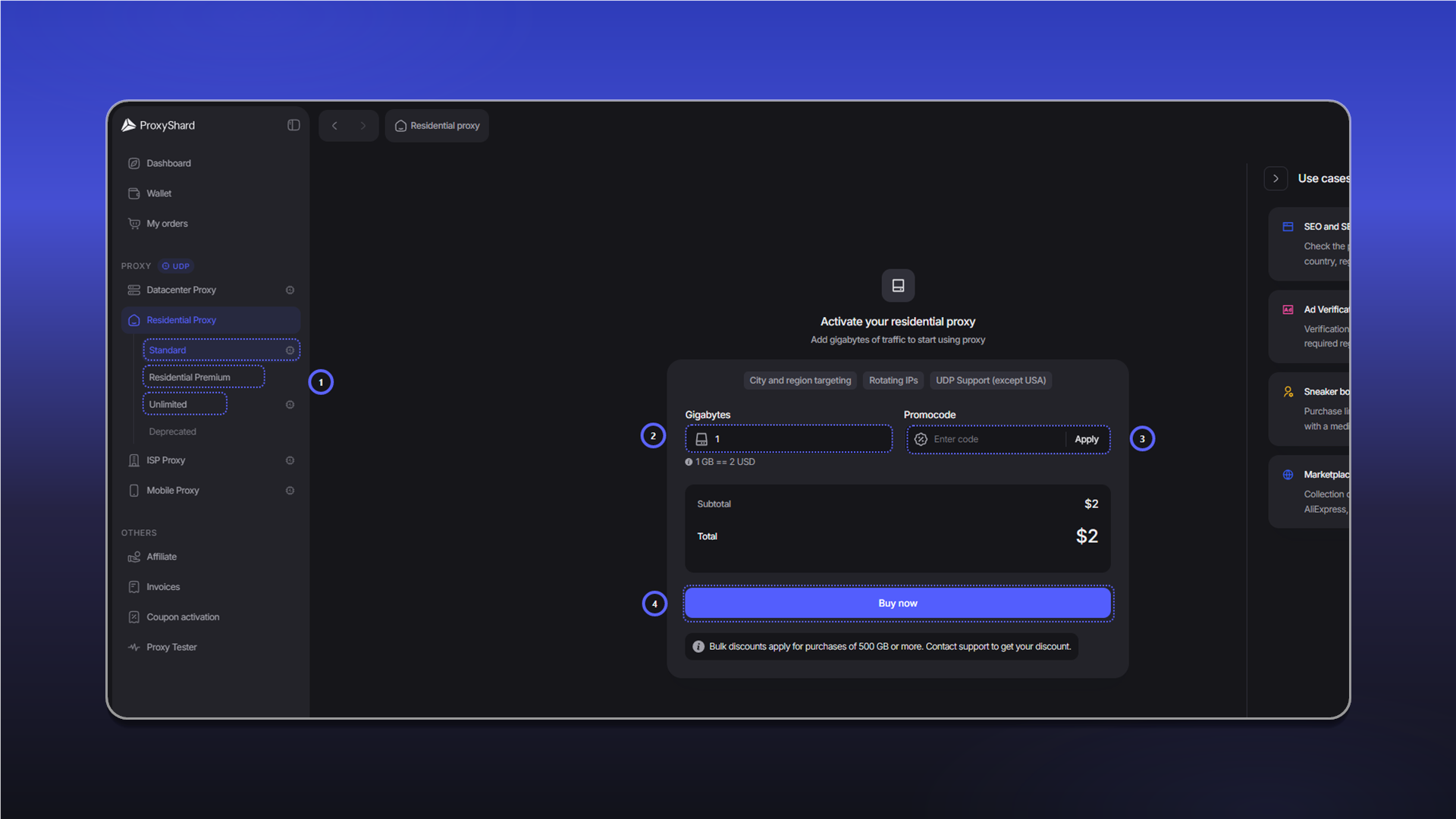
Choose the plan that fits your use case: Standard, Residential Premium, or Unlimited. See the comparison table for the differences between the plans.
To place an order:
- Select a plan under
Residential Proxy. - For a traffic-based plan, enter the number of gigabytes.
- If you have a promo code, enter it in
Promocodeand clickApply. - Review the total and click
Buy now.
Unused traffic does not expire at the end of the month. It remains on the order until it is fully used.
Paying for the order
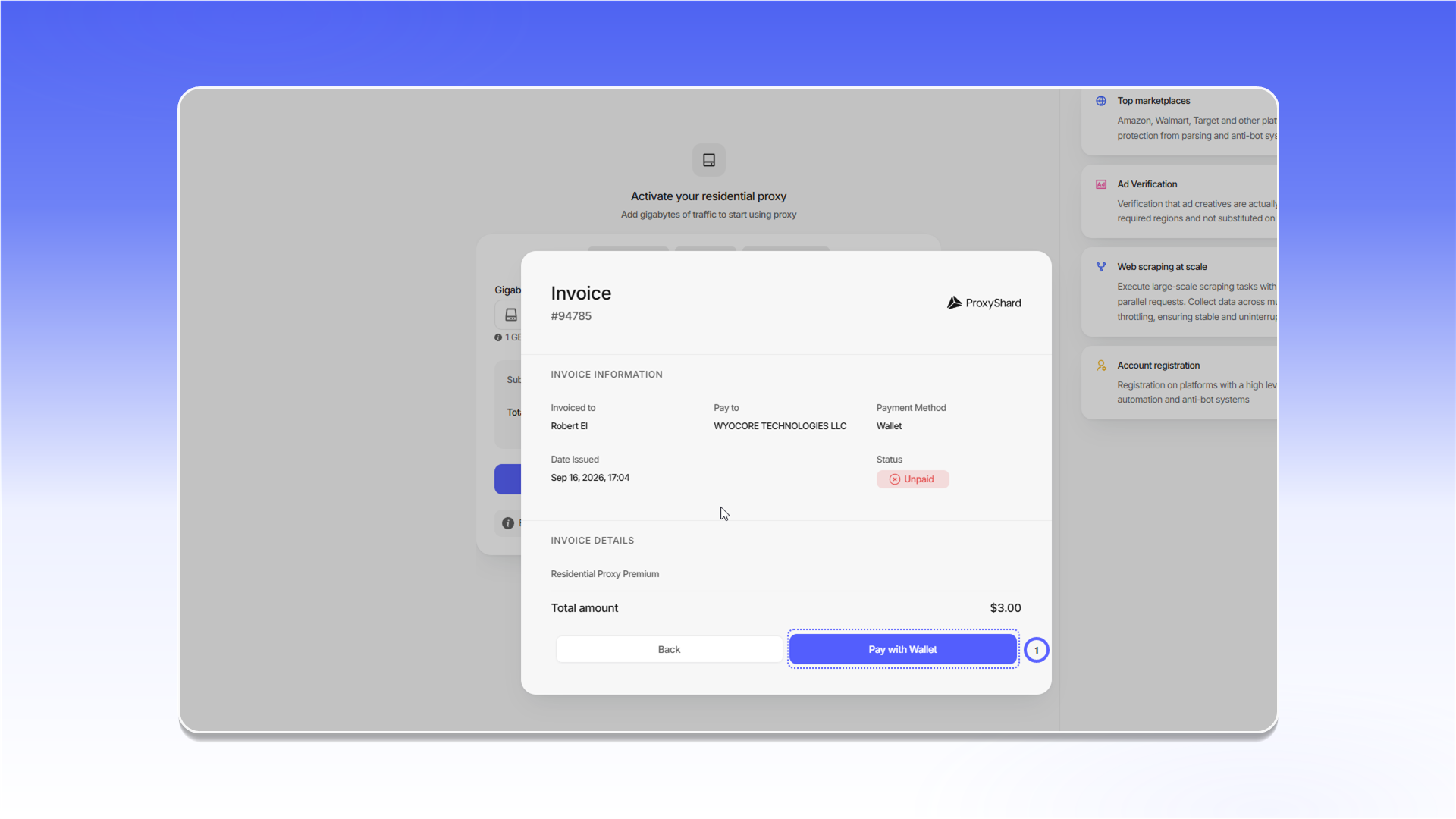
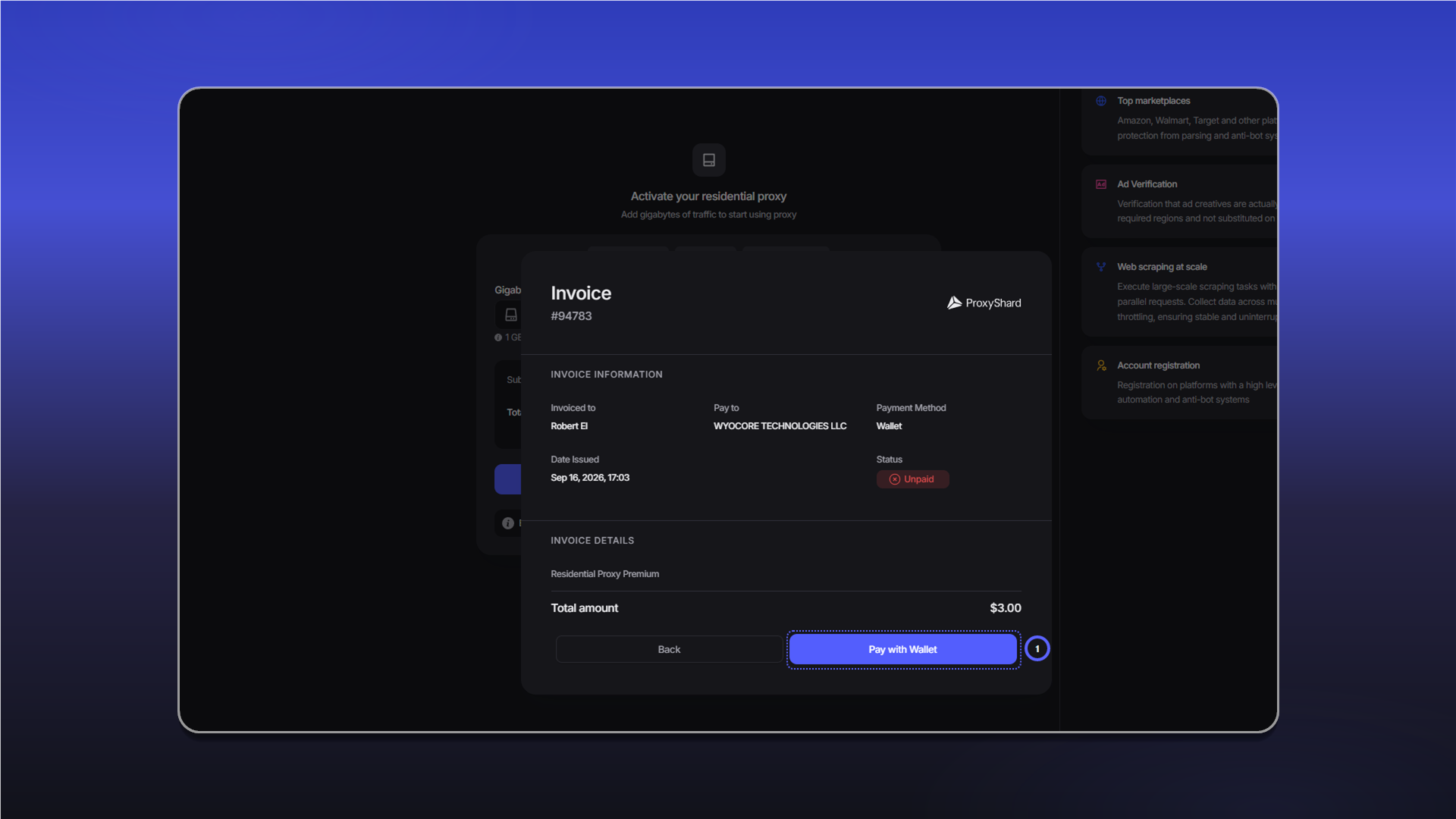
After you click Buy now, an invoice with the Unpaid status opens. Check the Total amount, then click Pay with Wallet.
After payment, the proxy configuration and generation panel opens. See the residential proxy guide for descriptions of the order settings.
Adding traffic to an order
Open the order and click Add Traffic next to the remaining traffic. Select the required amount and pay the new invoice from your balance.
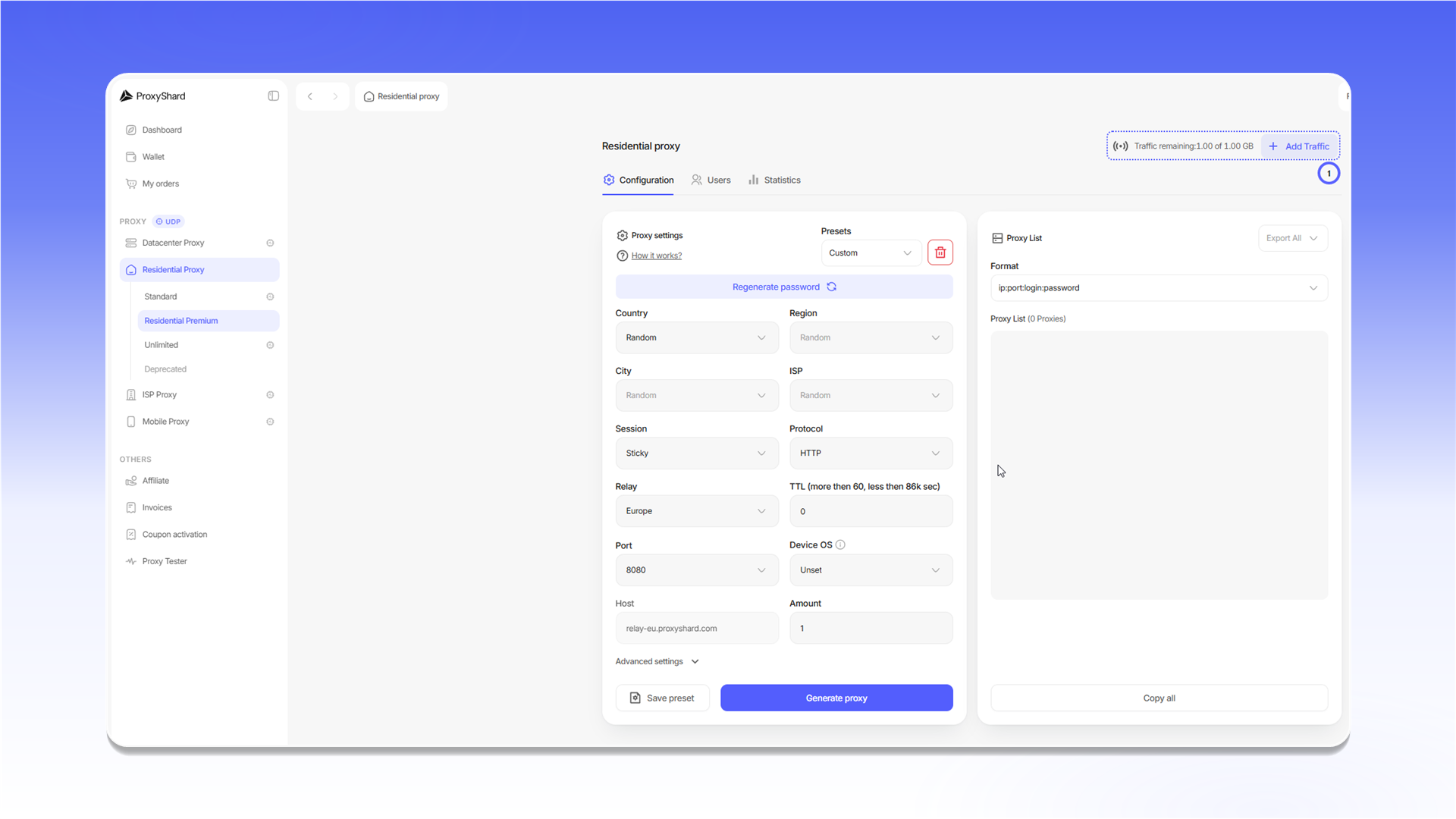
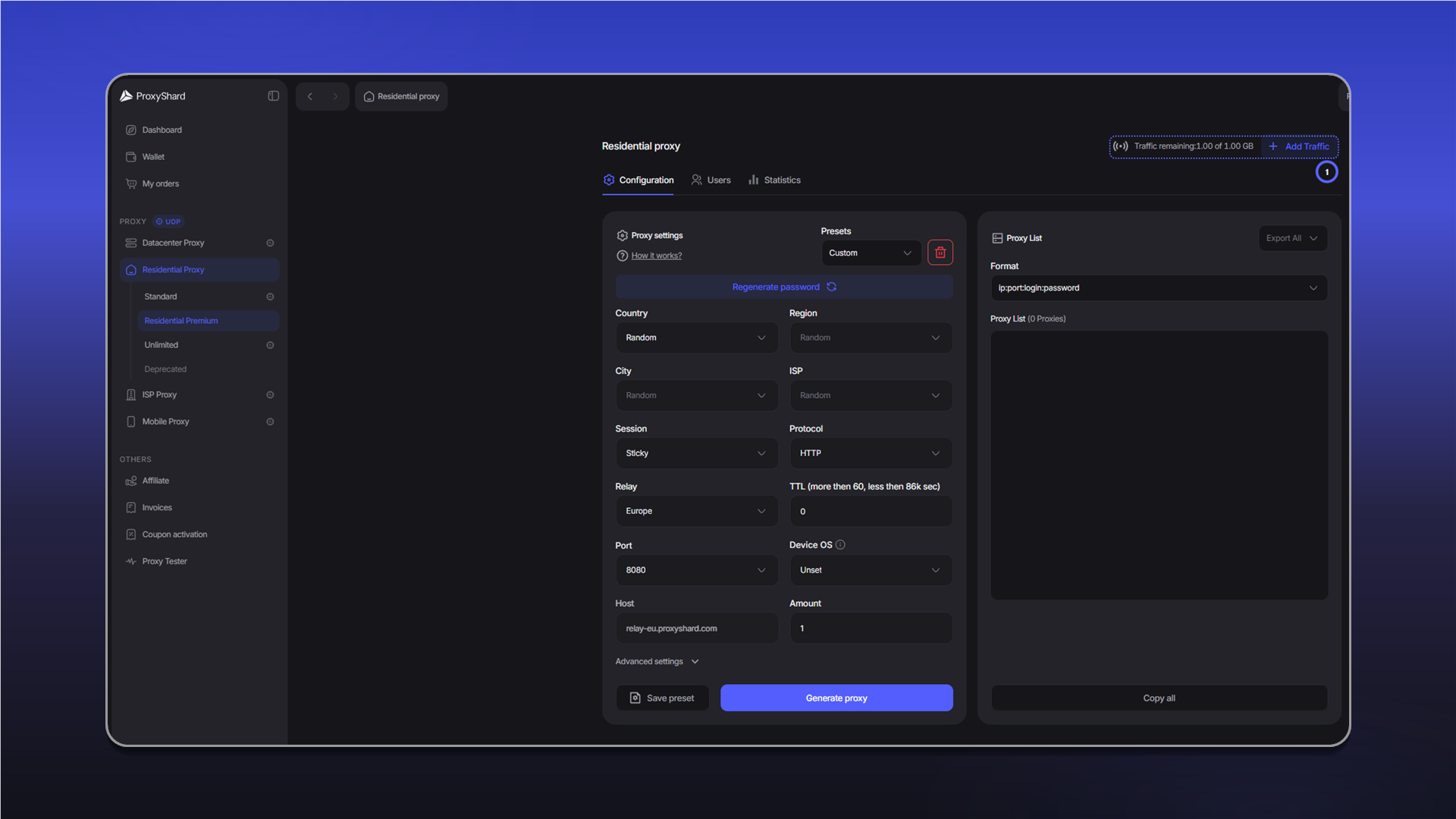
The additional traffic is added to the order after payment. If the proxies stopped because the balance reached zero, they become available again.
Last updated on