Proxy Tester
ProxyShard Proxy Tester lets you quickly check whether your proxies work directly on the website, without installing additional software, and even check UDP support if you use SOCKS5.
proxyshard.comhttps://proxyshard.com/proxy-tester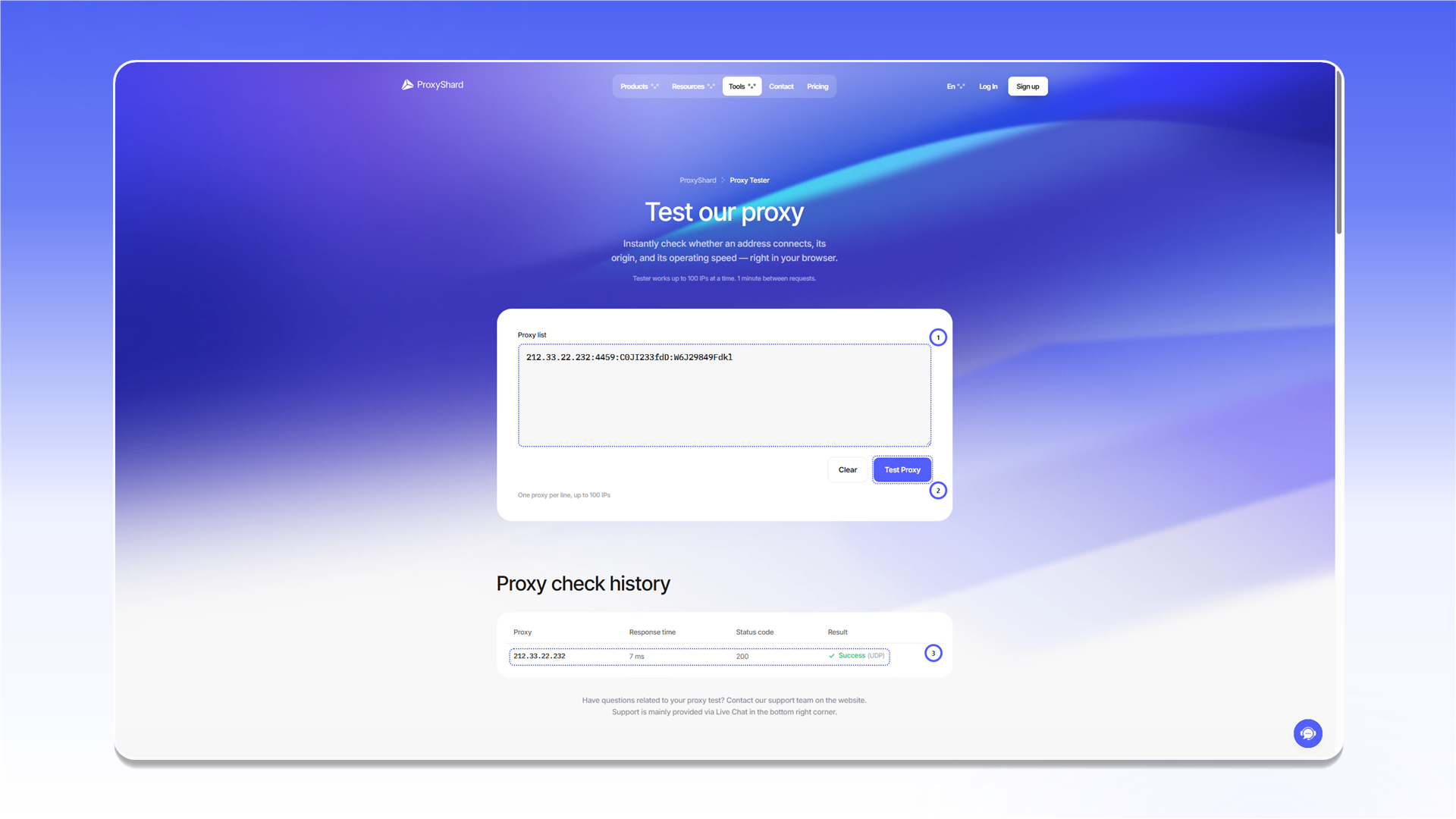
How to use it
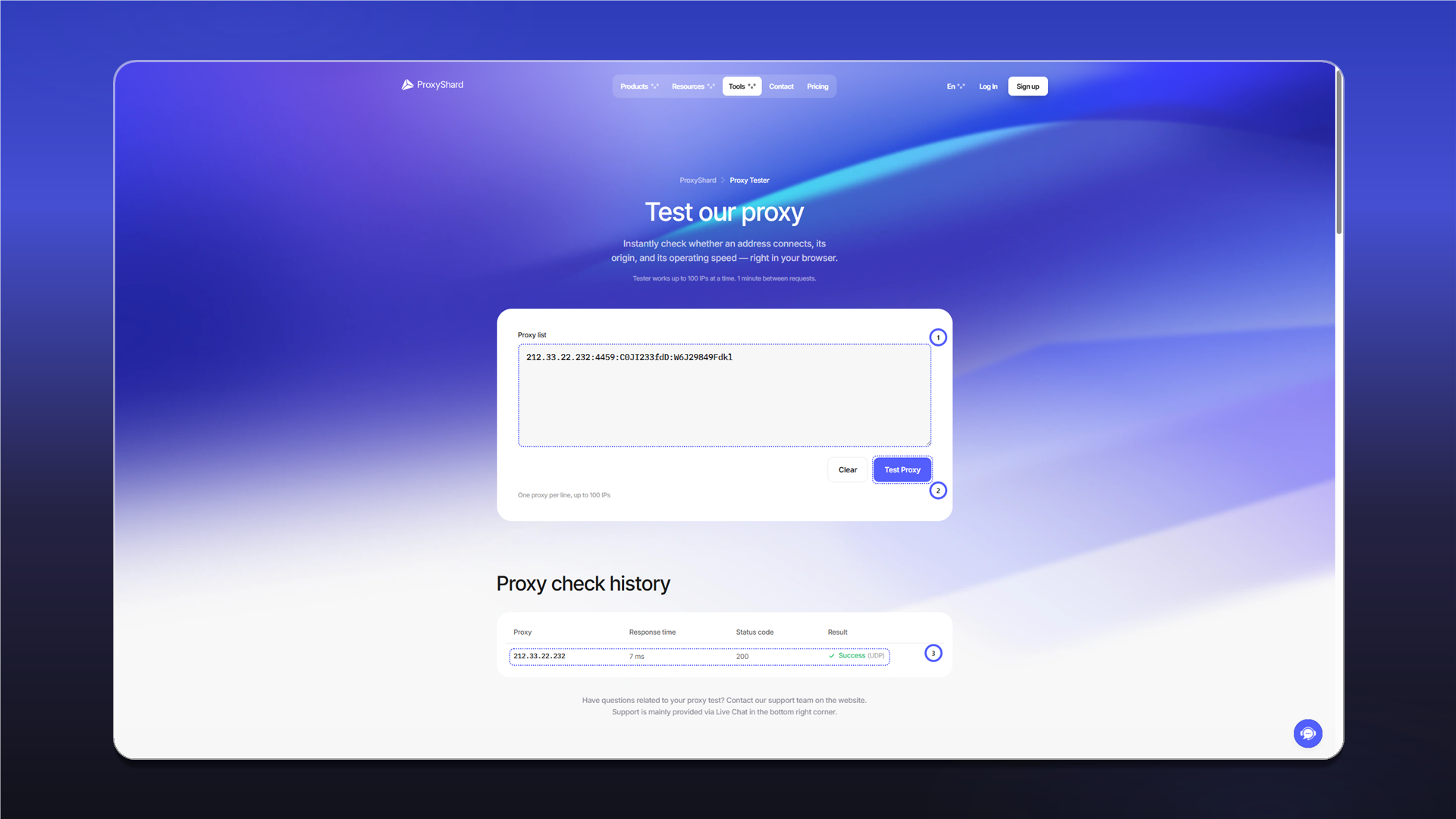
- Open proxyshard.com/proxy-tester
- Paste one or more proxies into the Proxy list field, one per line
- Click Test Proxy
- Wait for the result in the Proxy check history table below
Features
| Parameter | Value |
|---|---|
| Protocols | HTTP, SOCKS5 |
| Maximum proxies | up to 100 |
| Limit | 1 request per minute |
| Supported formats | IP:PORT:LOGIN:PASSWORD, LOGIN:PASSWORD@IP:PORT, and other standard formats |
What the result shows
After the check, the Proxy check history table displays:
| Field | Description |
|---|---|
| Proxy | IP address through which the connection was made |
| Response time | Response time in milliseconds. The lower it is, the faster the proxy |
| Status code | HTTP response code. 200 means everything is OK |
| Result | Final status: Success (works) or Failed (does not work). If the proxy supports UDP, the UDP label is shown next to the status |
If the proxy fails the check
This does not always mean the proxy is faulty. Check:
- Whether the login, password, and port are in the correct format
- Whether the correct protocol, HTTP or SOCKS5, is selected
- Whether 2-3 minutes have passed since purchase (DC/ISP proxies may need up to 2 minutes to synchronize)
- Whether there is any blocking by your provider
If everything is correct but the check still fails, contact support.
For more detailed diagnostics, you can check the proxy through the command line. More details: How to check proxy functionality
Last updated on