Purchasing Datacenter proxies
Purchasing proxies
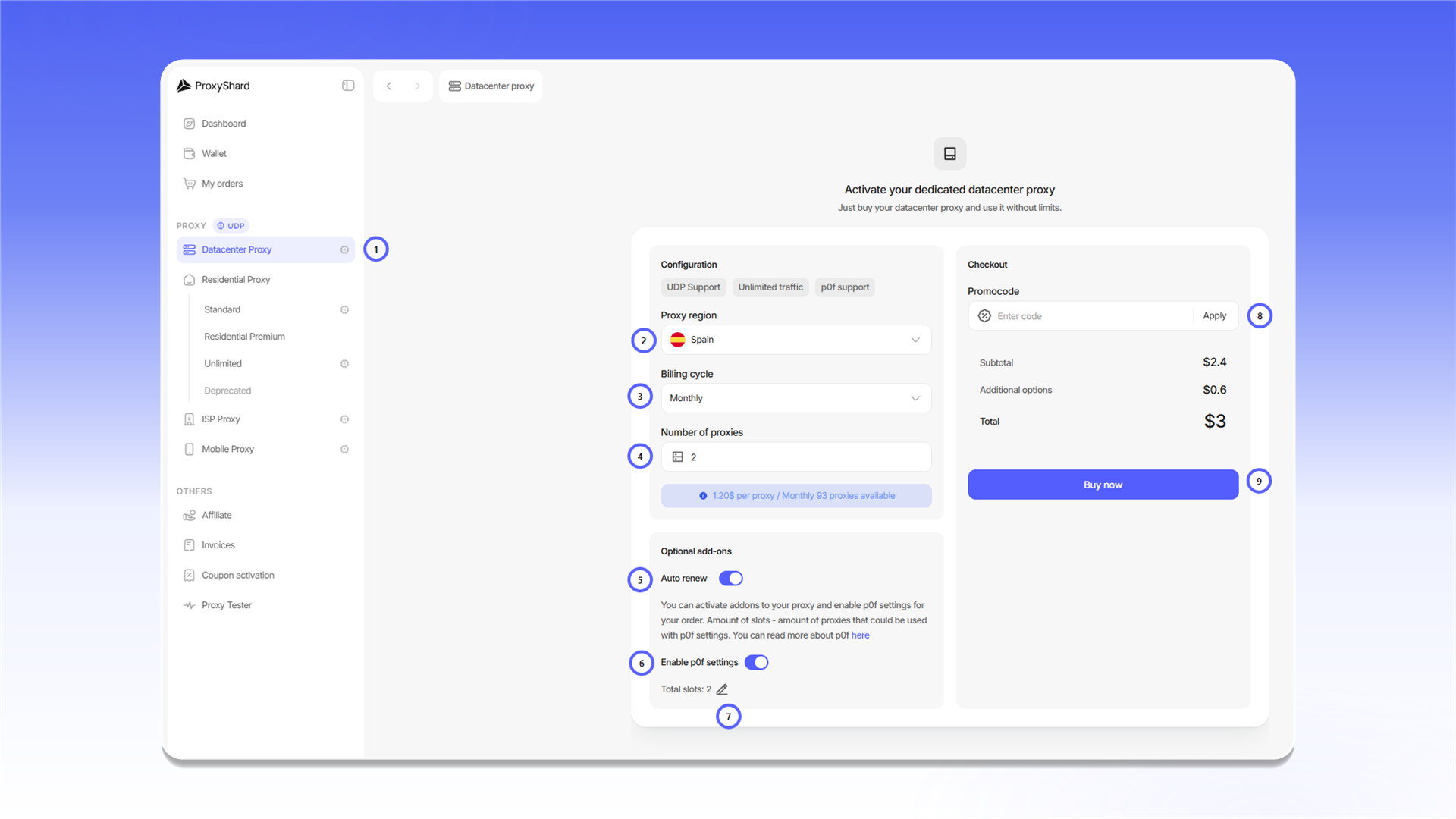
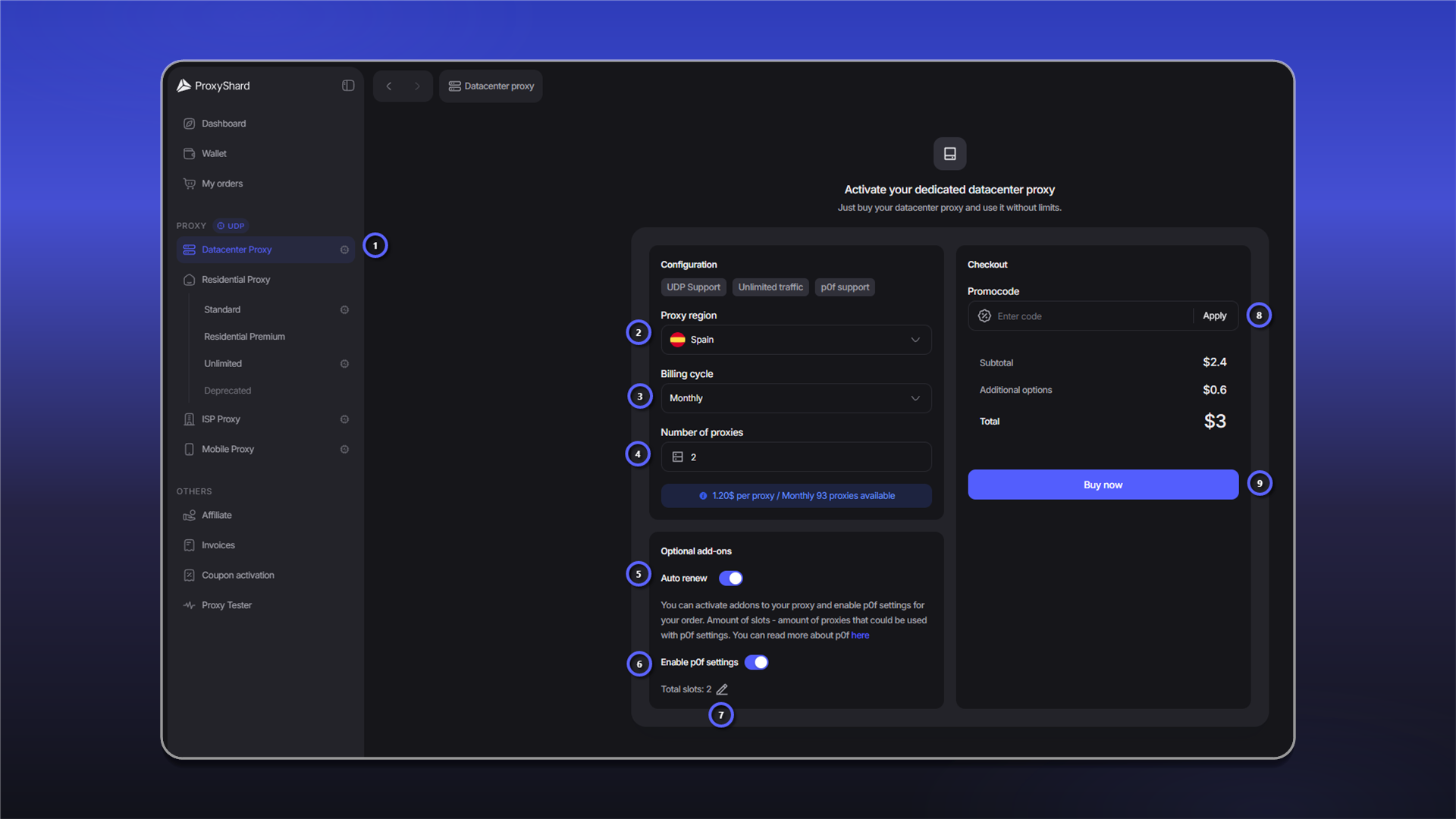
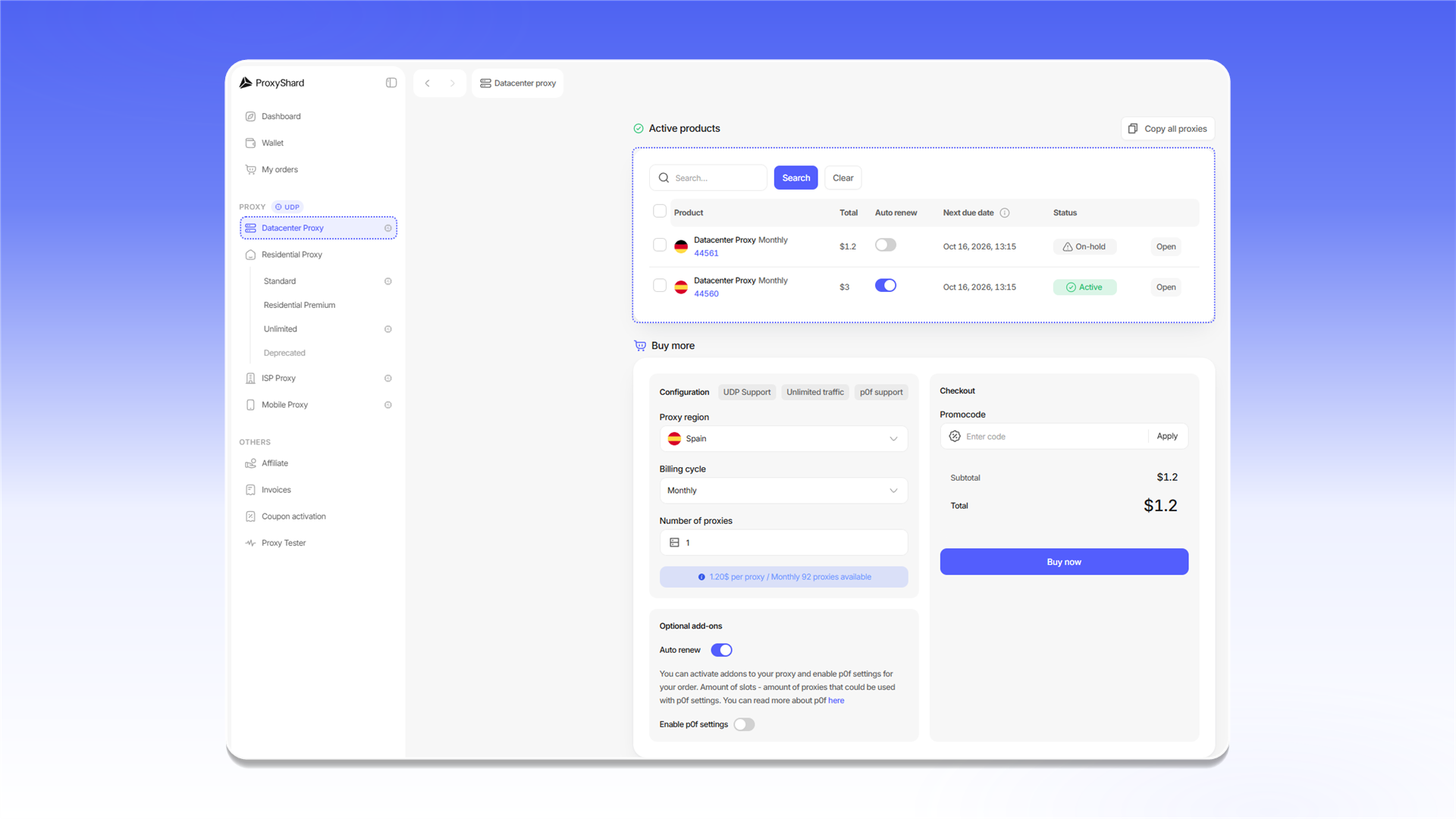
To purchase Datacenter proxies:
- Open
Datacenter Proxy. - Select the proxy country in
Proxy region. - Select a payment period in
Billing cycle. - Enter the number of proxies in
Number of proxies. - Enable
Auto renewif you want the order to renew automatically. - Enable
Enable p0f settingsif needed. - Enter the number of p0f slots in
Total slots. - If you have a promo code, enter it in
Promocodeand clickApply. - Review the order total and click
Buy now.
Paying for the order
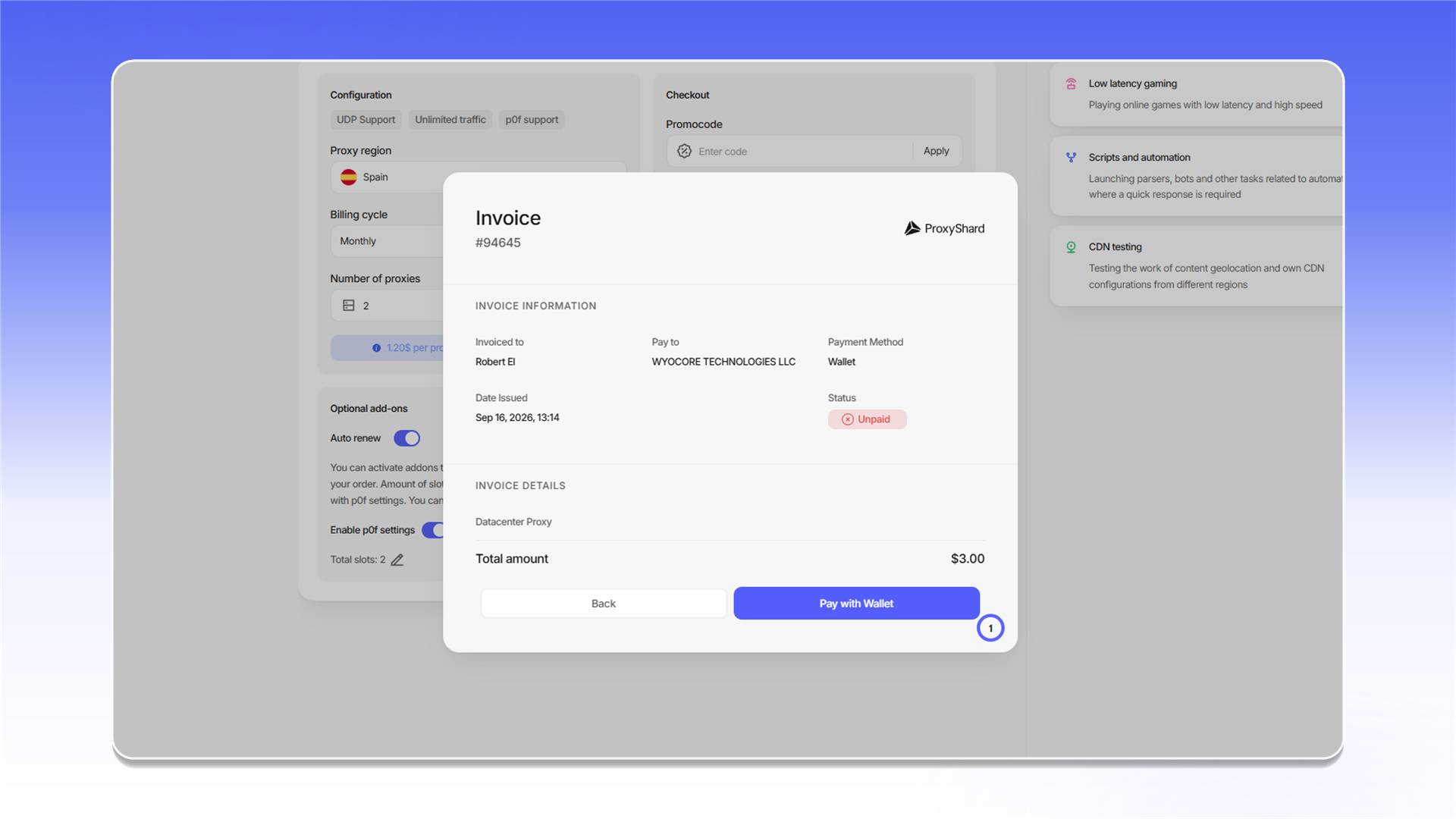
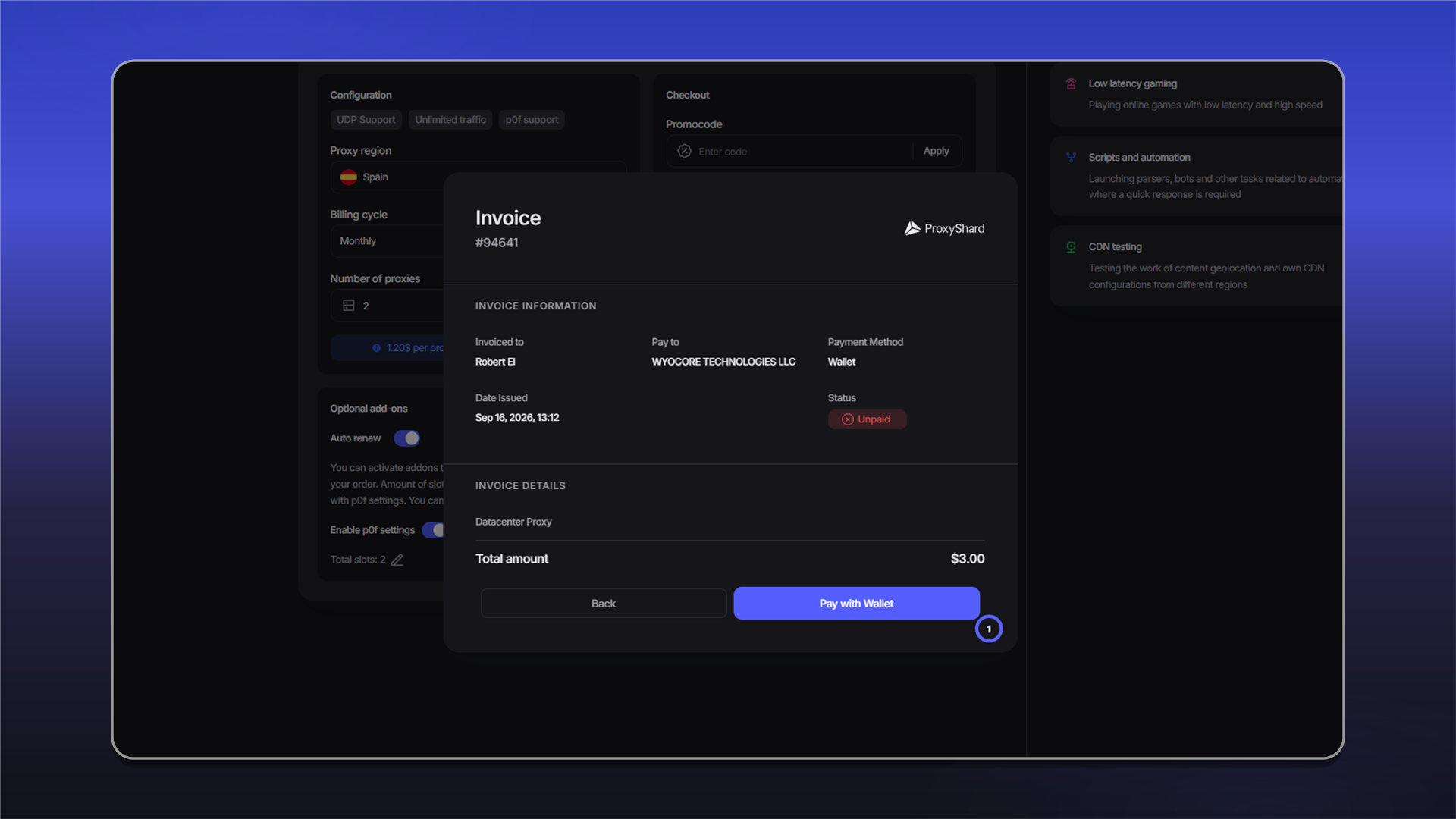
After you click Buy now, an invoice with the Unpaid status opens. Check the Total amount, then click Pay with Wallet.
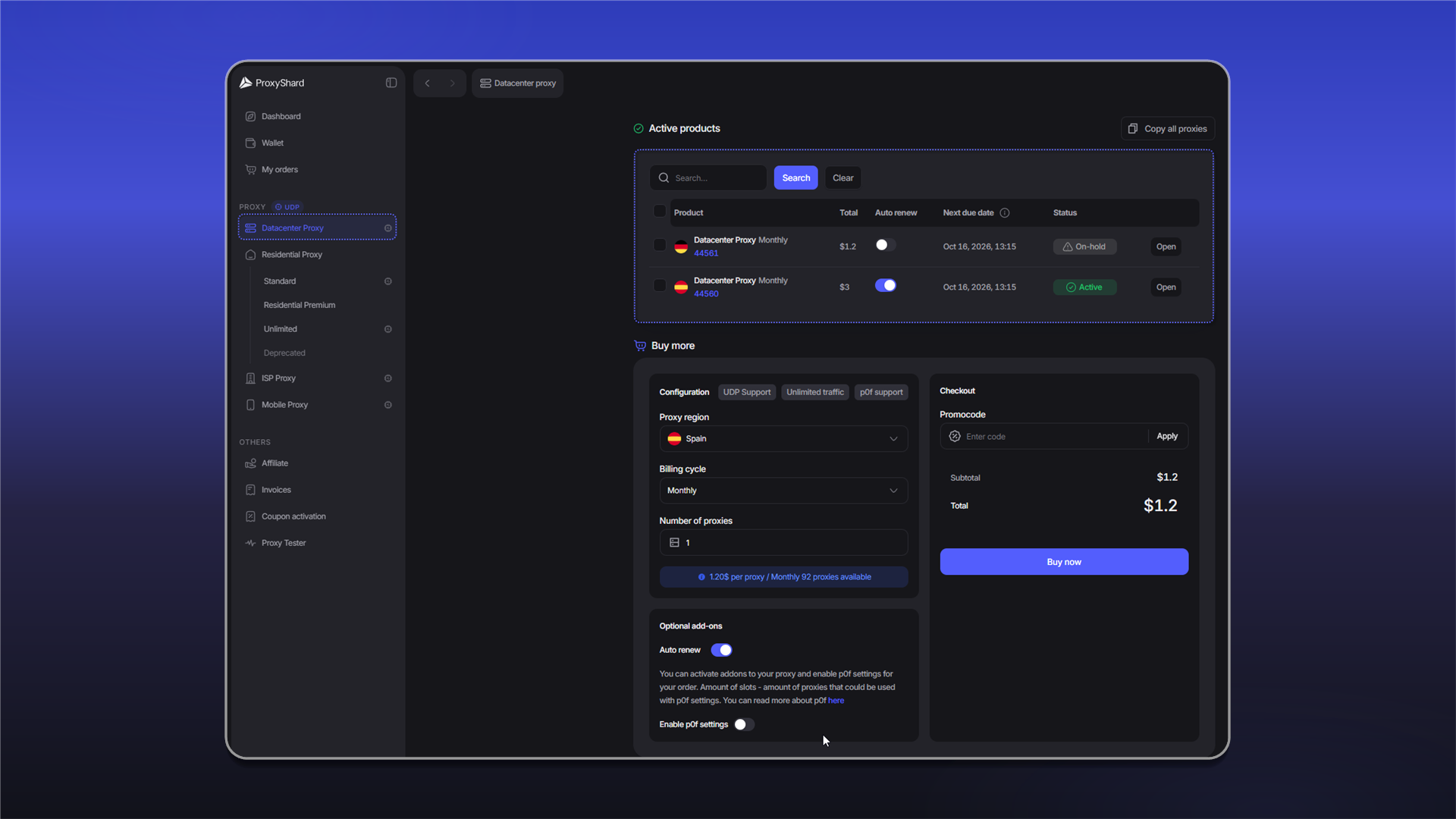
After payment, the order appears under Active products and in My orders. A paid order has the Active status.
The proxies will start working within 1-2 minutes while the order is being synchronized.
Renewing an order
You can renew an order automatically or manually.
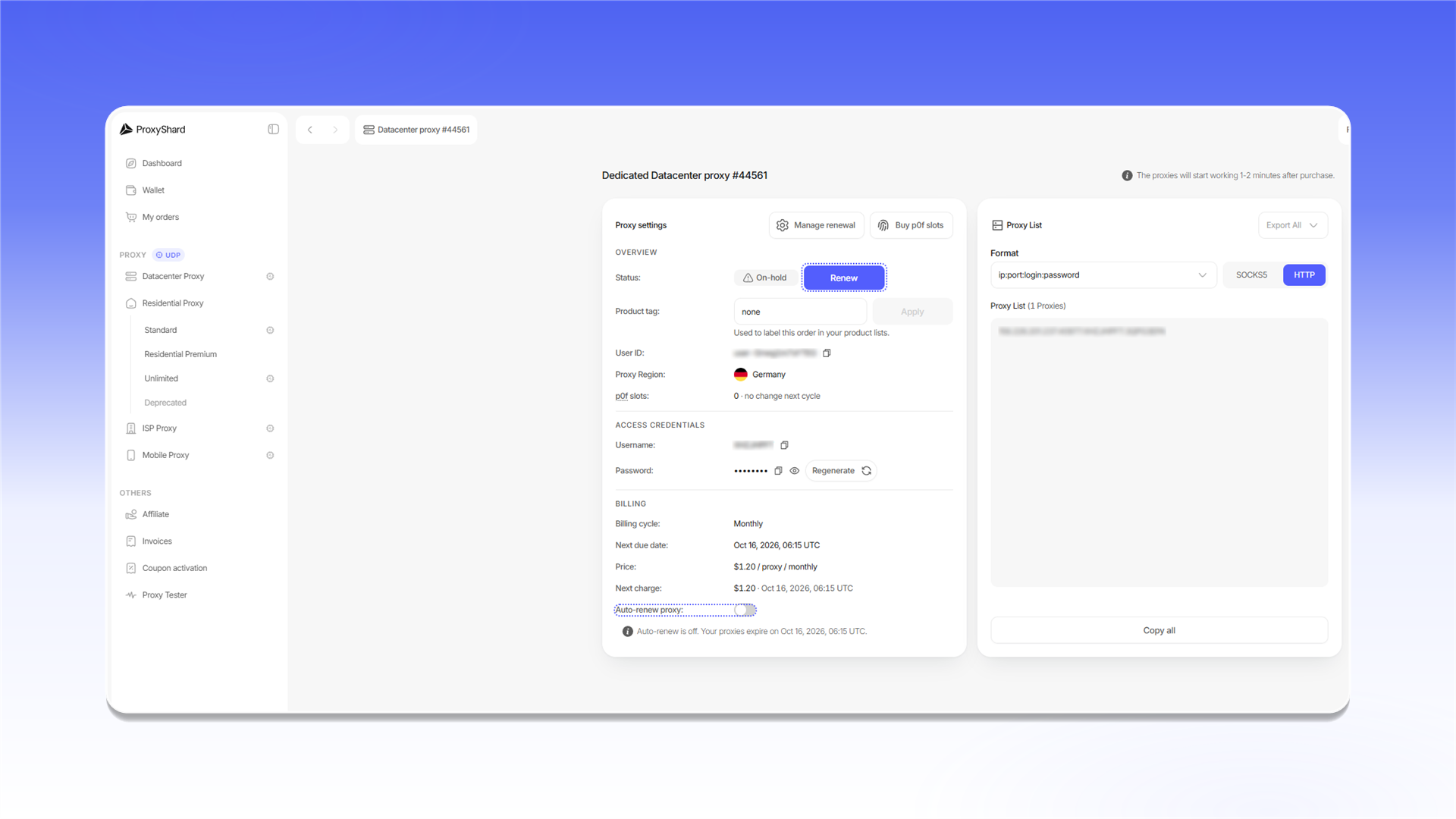
When Auto renew is enabled, the system attempts to renew the order 1-2 hours before the paid period ends. If the balance is sufficient, the payment is charged automatically and the proxies continue to work.
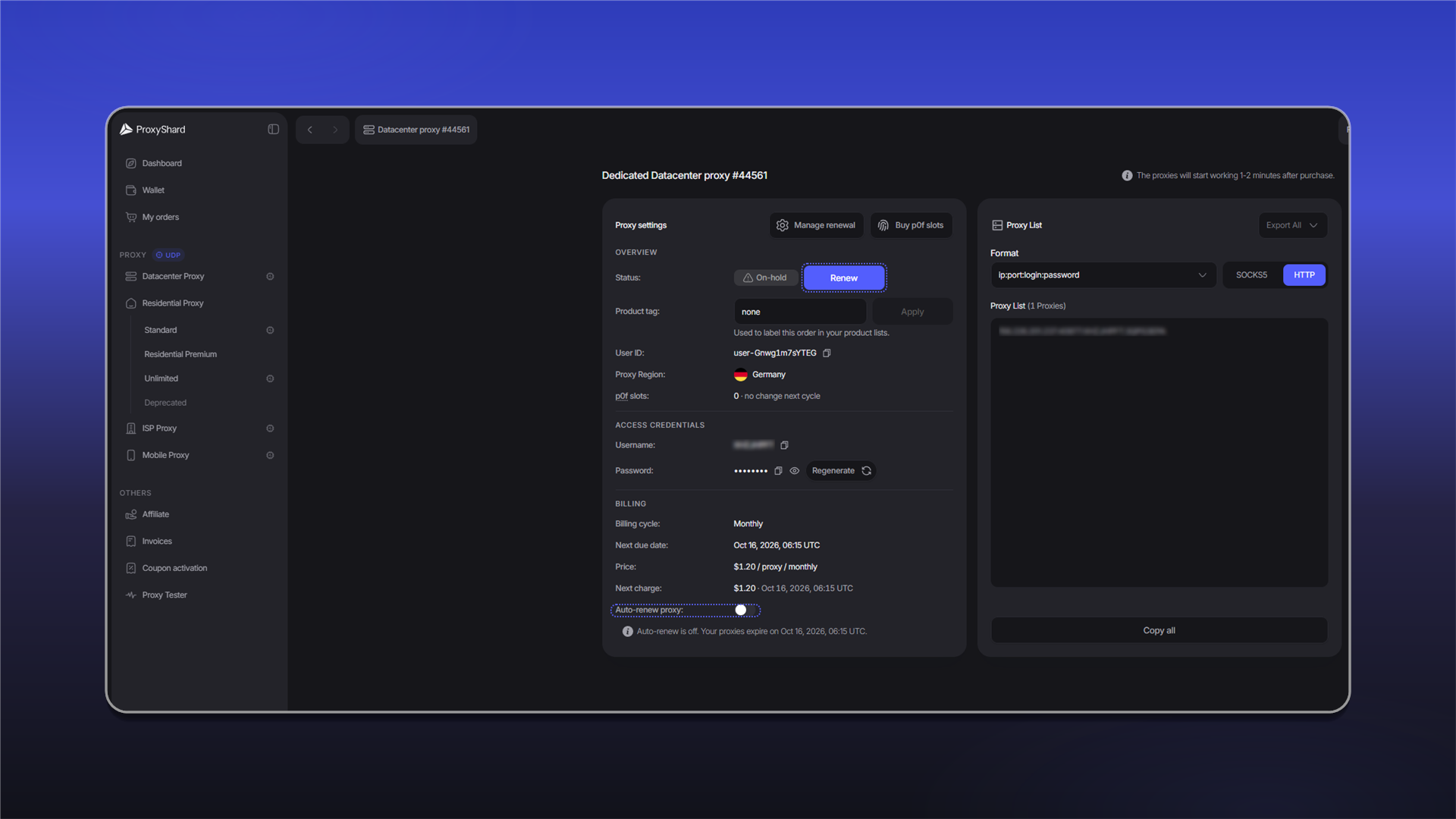
If automatic renewal is disabled or the balance is insufficient, the order receives the On-hold status. To renew it manually, open the order, click  , and pay the new invoice.
An order with the Canceled status cannot be renewed. This status is assigned after the order remains unpaid for three days.
Last updated on