> For the complete documentation index, see [llms.txt](https://docs.proxyshard.com/llms.txt). Markdown versions of documentation pages are available by appending `.md` to page URLs; this page is available as [Markdown](https://docs.proxyshard.com/eng/site-navigation/buying-and-renewing/buying-isp-proxies.md).

# ISP proxy purchase example

## Purchasing proxies

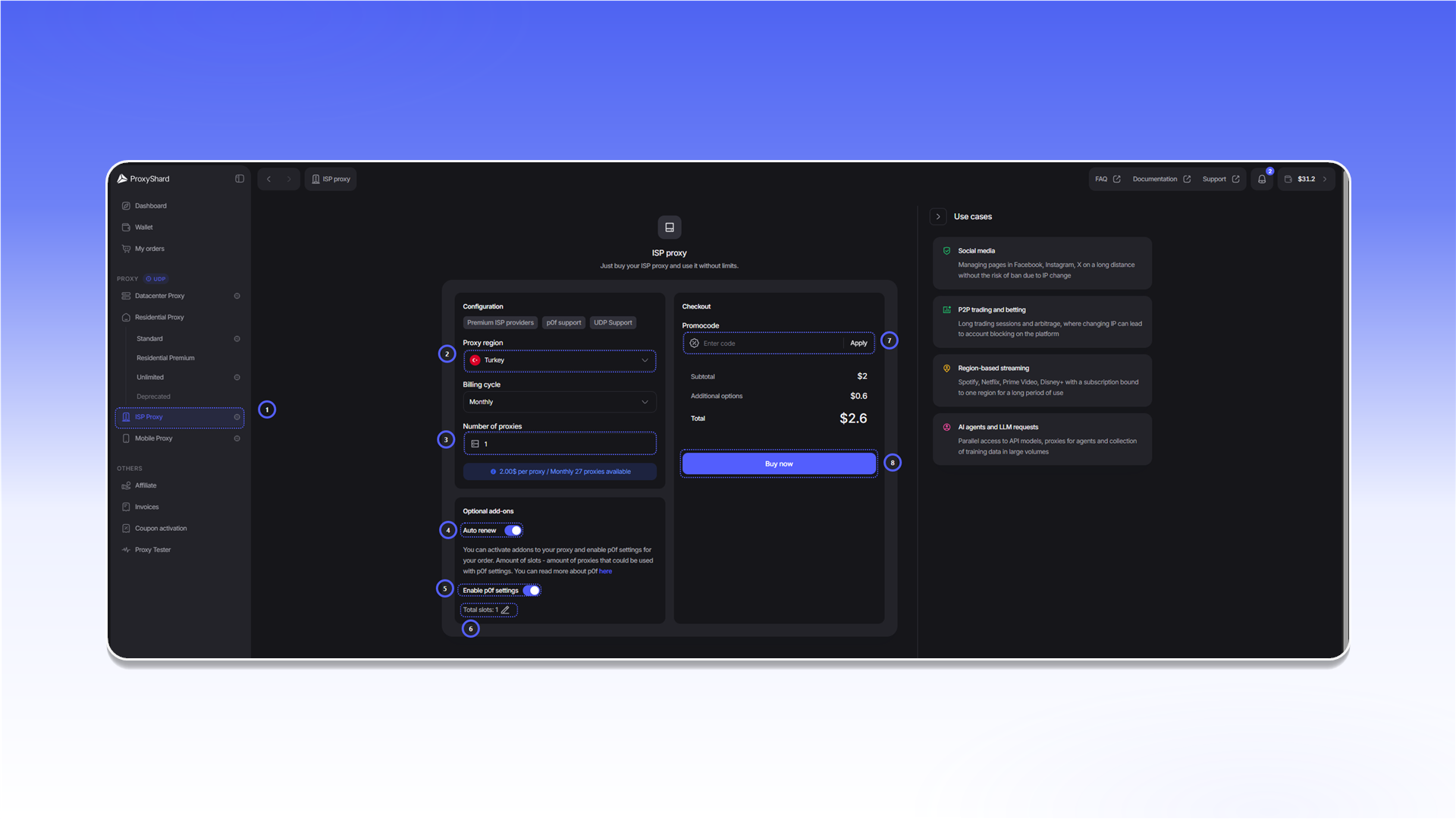
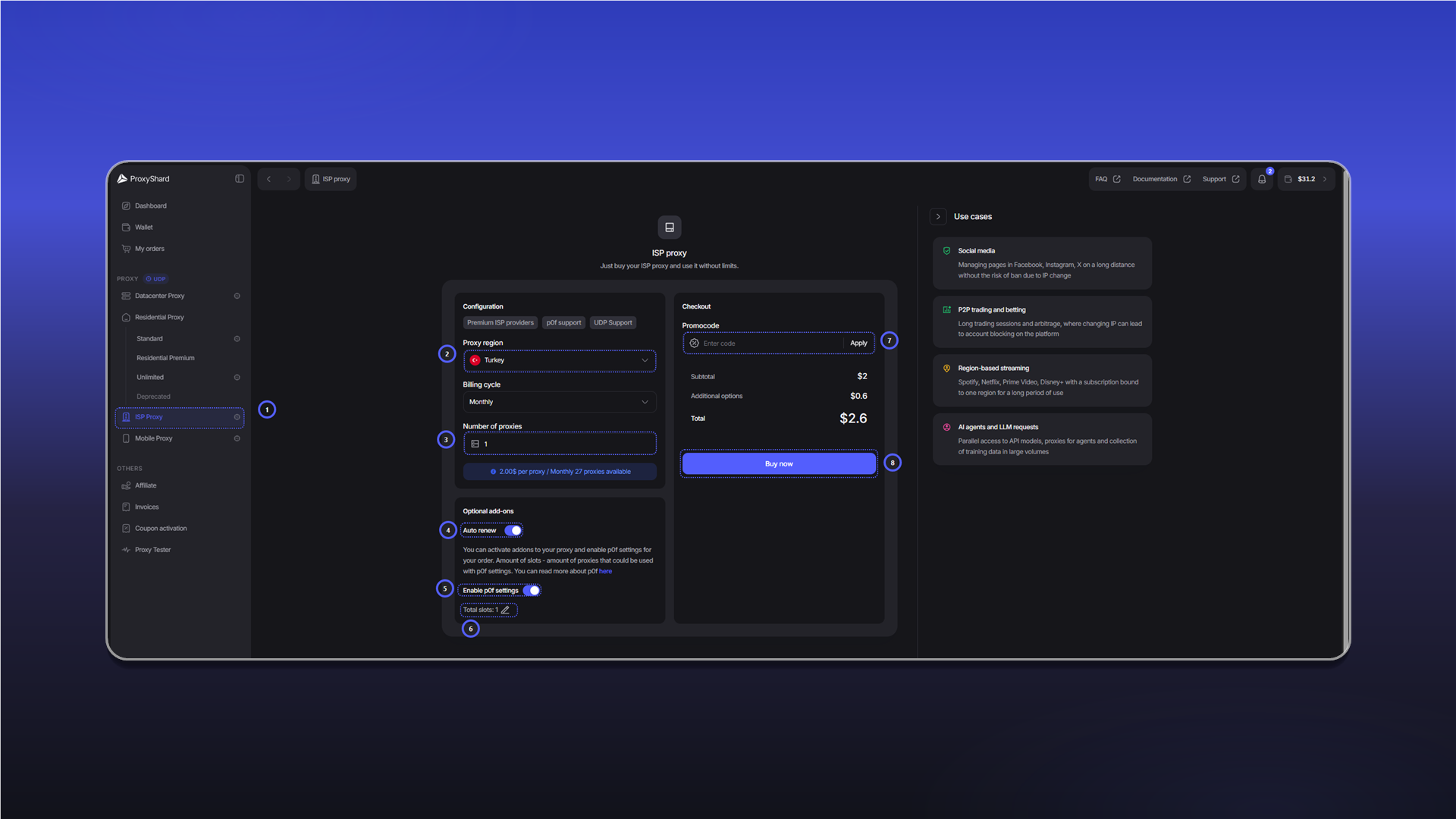
When purchasing [<mark style="color:purple;">ISP</mark>](https://dashboard.proxyshard.com/isp-proxy) proxies, specify:

* Proxy country
* Rental cycle (week\month\half-year\year)
* Number of proxies
* Auto-renewal toggle (when enabled, funds will be charged automatically every rental cycle; it can be disabled inside the order)
* Promo code, if available.

<figure><img src="/files/EcjUTMjNEu7rIaRqNPg4" alt="" width="563"><figcaption></figcaption></figure>

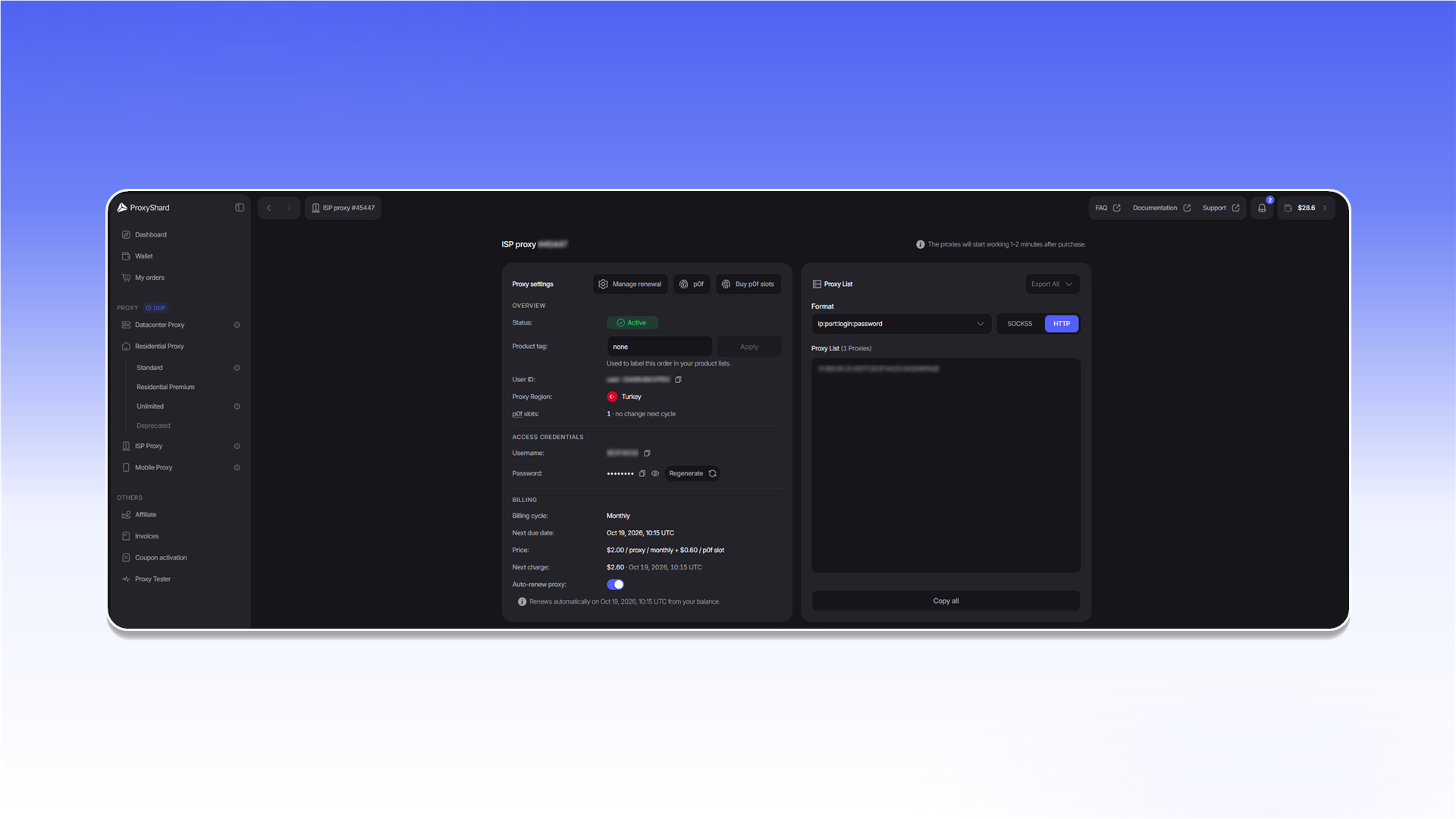
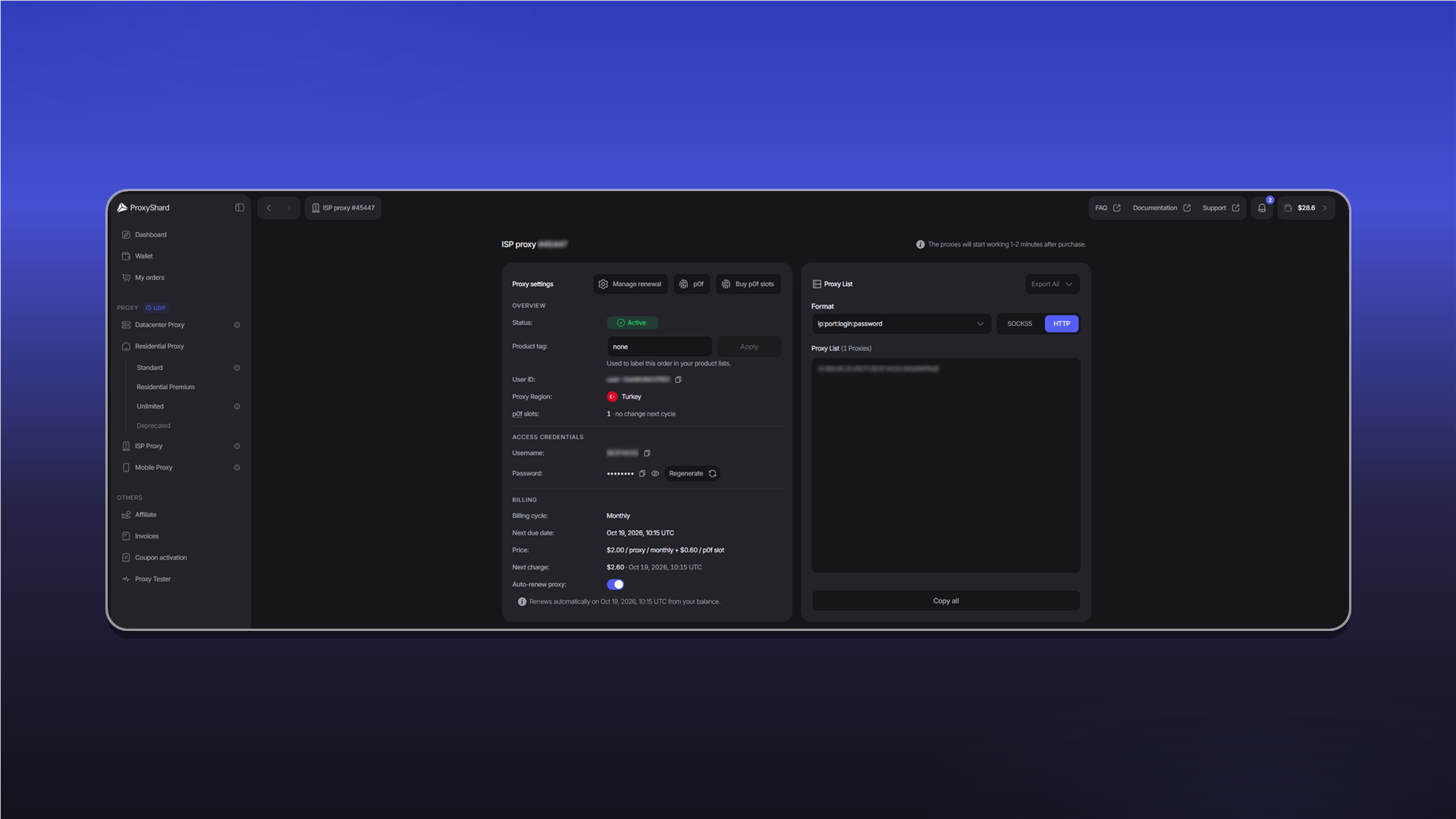
After purchase, the order will open automatically and will be available in the "<mark style="color:purple;">Active Product</mark>" panel or in "[<mark style="color:purple;">My orders</mark>](https://dashboard.proxyshard.com/products)"

<figure><img src="/files/25FgAt8hLfeNdvrtTjPX" alt="" width="563"><figcaption></figcaption></figure>

{% hint style="warning" %}
The proxies will start working within 1-2 minutes; this time is required for order synchronization
{% endhint %}

## Renewing ISP proxies

The product can be renewed automatically or manually\
\
With automatic payment, the order will attempt to renew automatically 1-2 hours before expiration.\
If there are enough funds for renewal, the proxies are renewed automatically. If funds are insufficient, the proxies stop working and will wait for the balance to be topped up for <mark style="color:purple;">three days</mark>.\
\
When automatic renewal is disabled, the proxies will wait for manual payment (status <mark style="color:$warning;">On-Hold</mark>). To do this, click ![](/files/YJ1dCq0EDrK7P9ejIZON) in the order

<figure><img src="/files/MpDqXzpitsKE21ooT8TK" alt="" width="521"><figcaption></figcaption></figure>

{% hint style="danger" %}
Proxies with the "<mark style="color:$danger;">Cancelled</mark>" status cannot be renewed. This status is assigned three days after the order is not paid.
{% endhint %}


---

# Agent Instructions
This documentation is published with GitBook. GitBook is the documentation platform designed so that both humans and AI agents can read, navigate, and reason over technical content effectively. Learn more at gitbook.com.

## Querying This Documentation
If you need additional information that is not directly available in this page, you can query the documentation dynamically by asking a question.

Perform an HTTP GET request on the current page URL with the `ask` query parameter, and the optional `goal` query parameter:

```
GET https://docs.proxyshard.com/eng/site-navigation/buying-and-renewing/buying-isp-proxies.md?ask=<question>&goal=<endgoal>
```

`ask` is the immediate question: it should be specific, self-contained, and written in natural language.
`goal` is optional and describes the broader end goal you are ultimately trying to accomplish on behalf of the user. GitBook uses it to tailor the answer towards what is most useful for that goal.

The response will contain a direct answer to the question and relevant excerpts and sources from the documentation.

Use this mechanism when the answer is not explicitly present in the current page, you need clarification or additional context, or you want to retrieve related documentation sections.