> For the complete documentation index, see [llms.txt](https://docs.proxyshard.com/llms.txt). Markdown versions of documentation pages are available by appending `.md` to page URLs; this page is available as [Markdown](https://docs.proxyshard.com/site-navigation/buying-and-renewing/buying-datacenter-proxies.md).

# Пример приобретения Датацентр прокси

## Покупка прокси

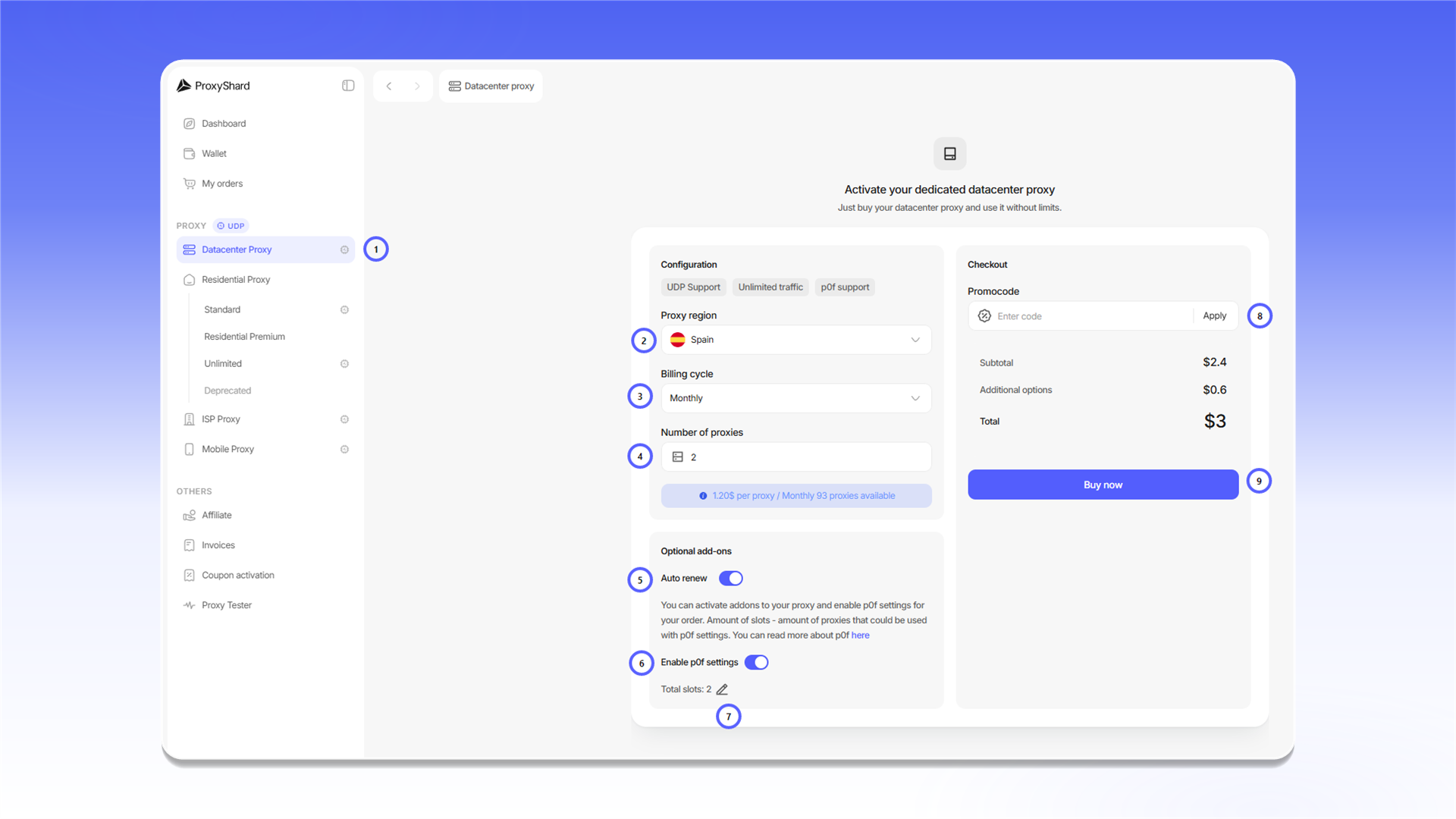
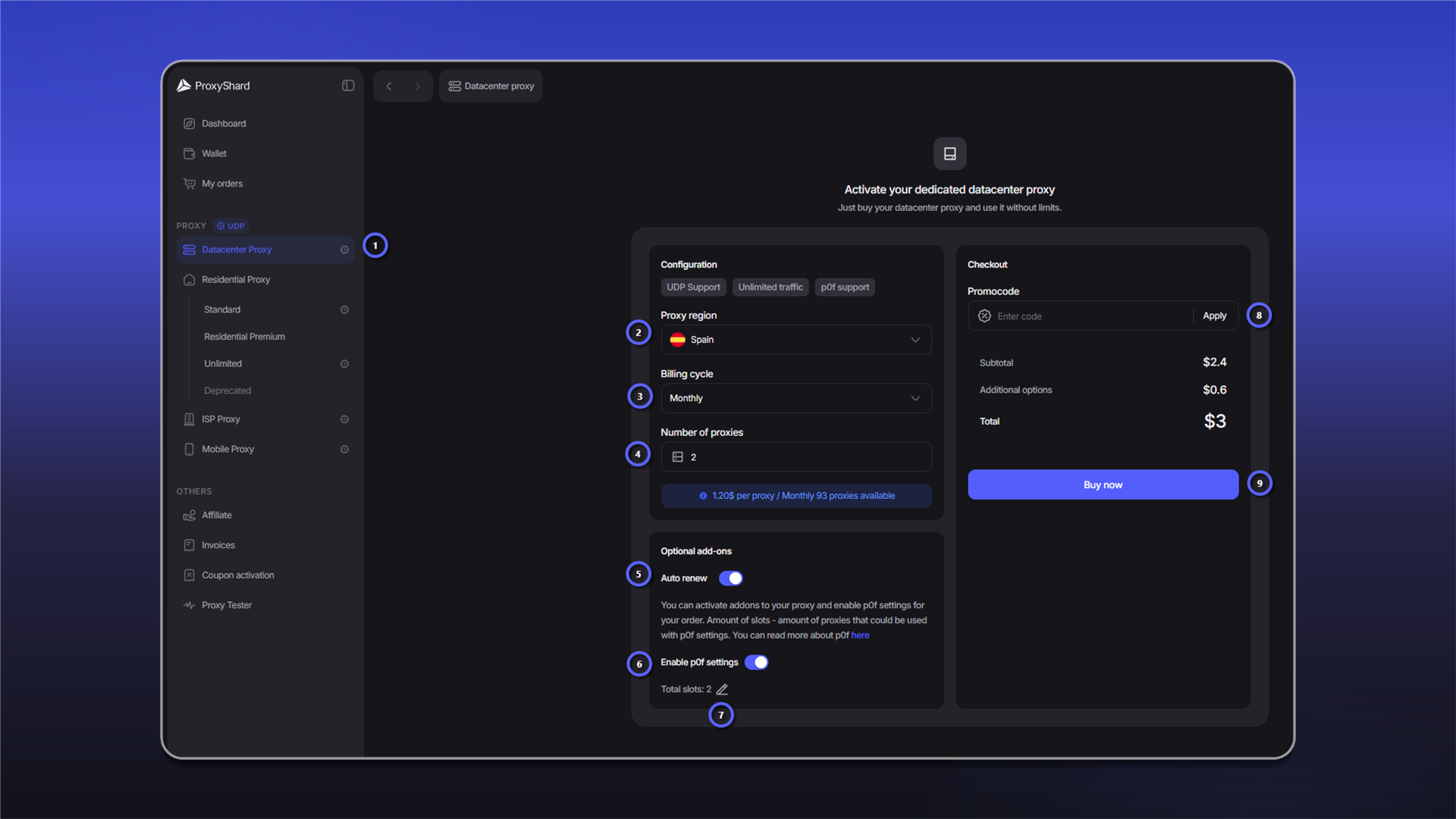
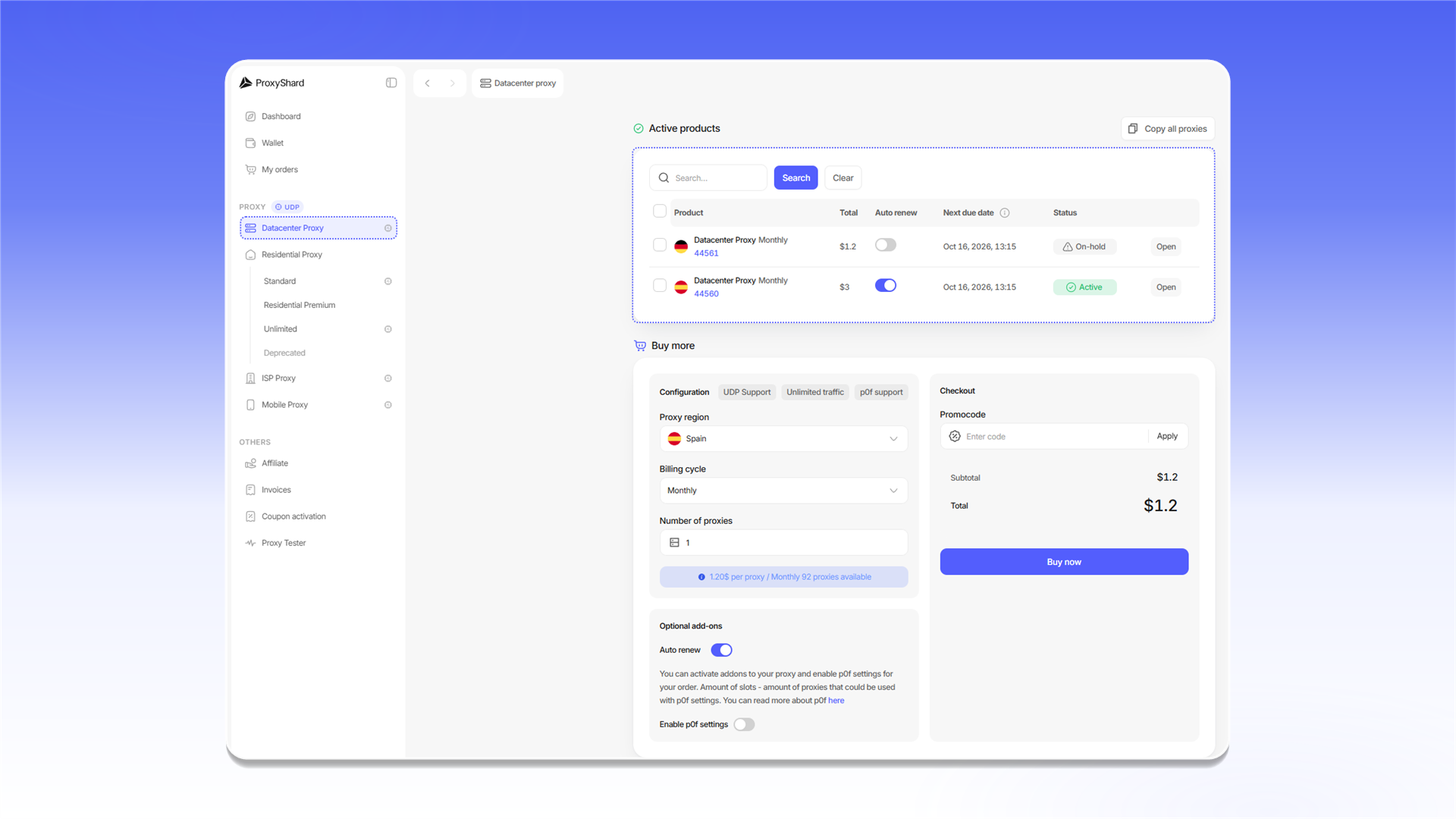
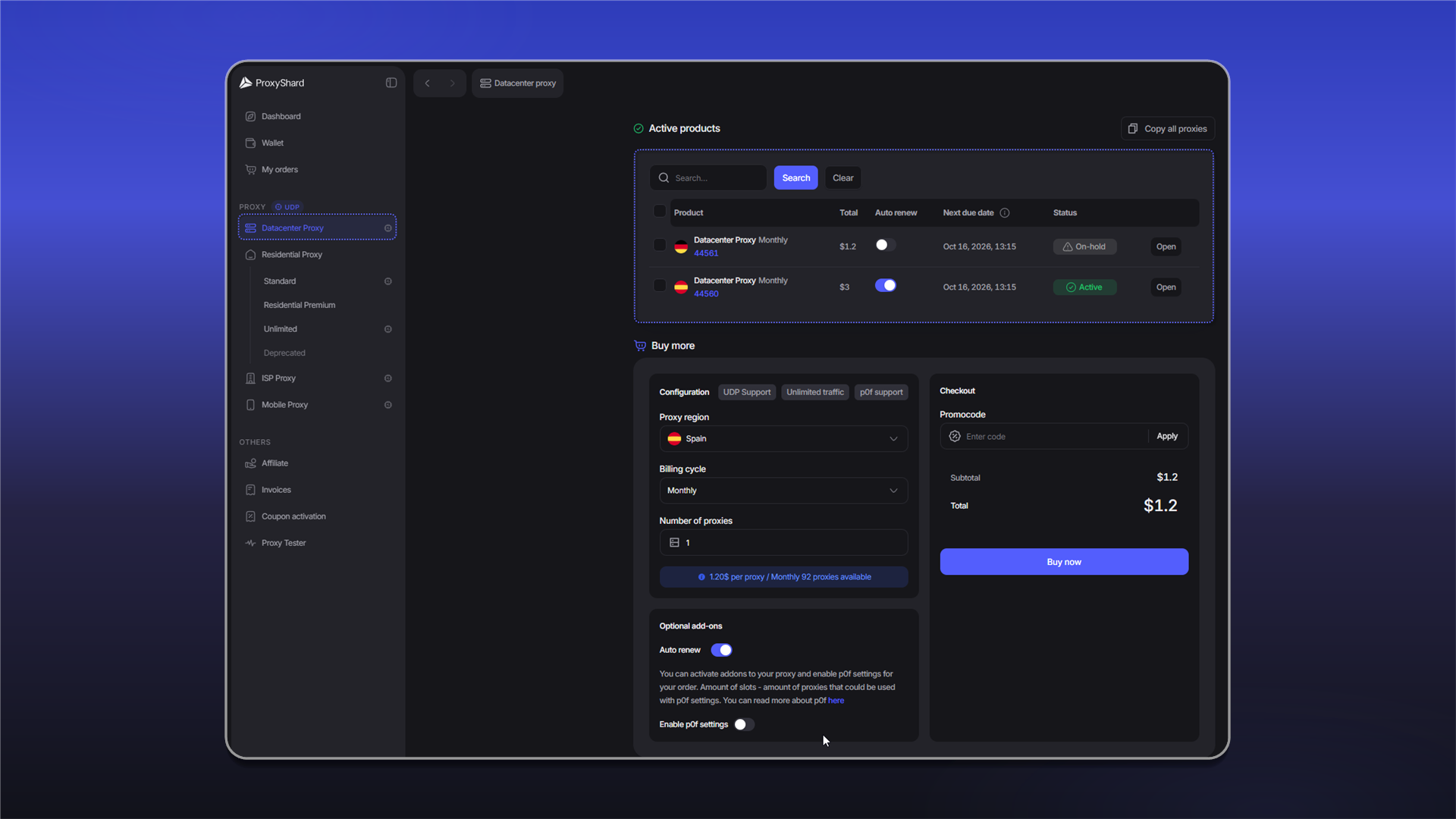
При приобретении [<mark style="color:purple;">Датацентр</mark>](https://dashboard.proxyshard.com/datacenter-proxy) прокси укажите:

* Страну прокси
* Цикл аренды (неделя\месяц\полгода\год)
* Количество прокси
* Переключать автопродления (при активации, будет каждый цикл аренды списывать средства автоматически, возможно отключение внутри заказа)
* Промокод, при наличии.

<figure><img src="/files/D1mzb8sQ5M3pafxkMZVn" alt=""><figcaption></figcaption></figure>

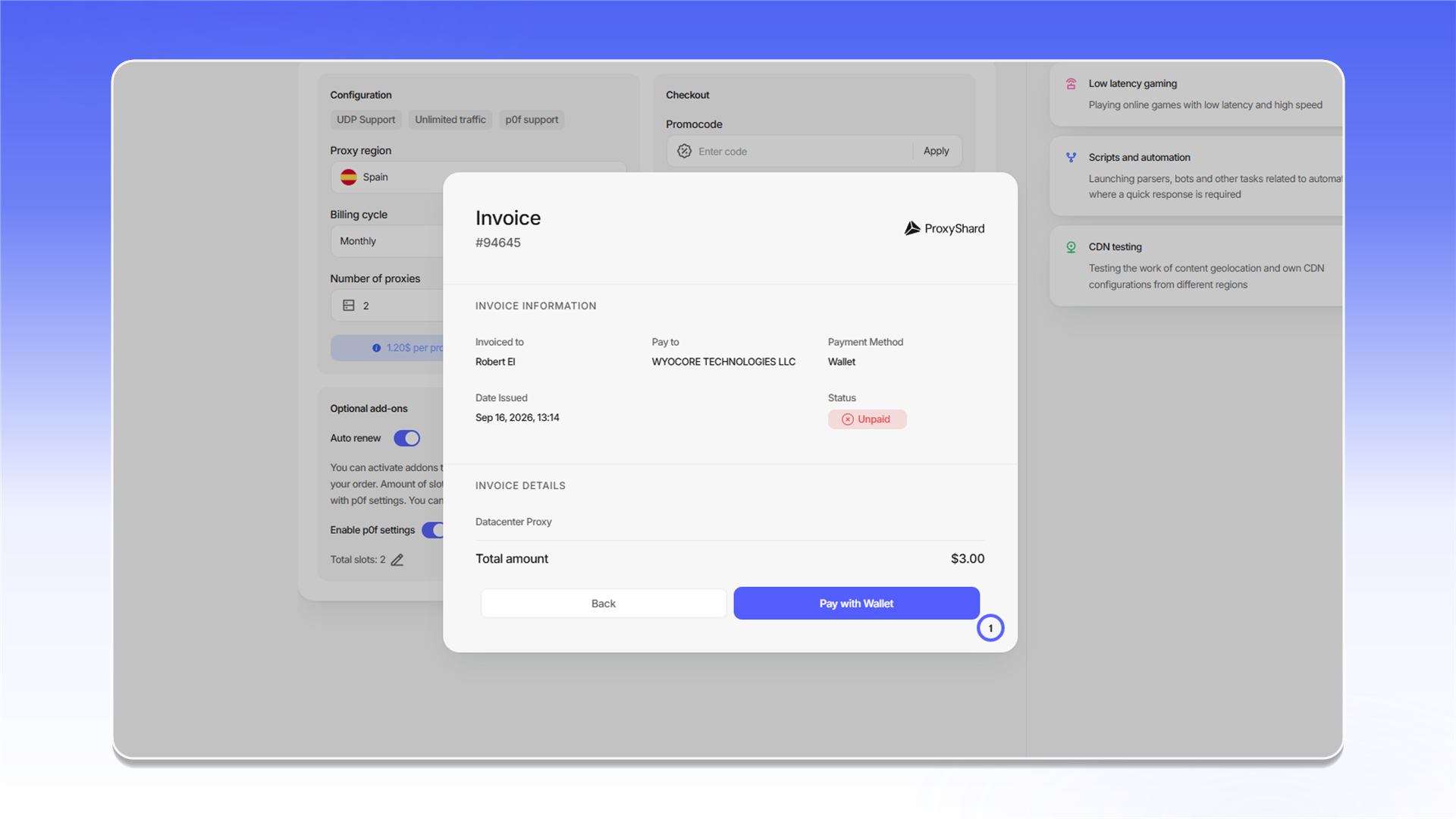
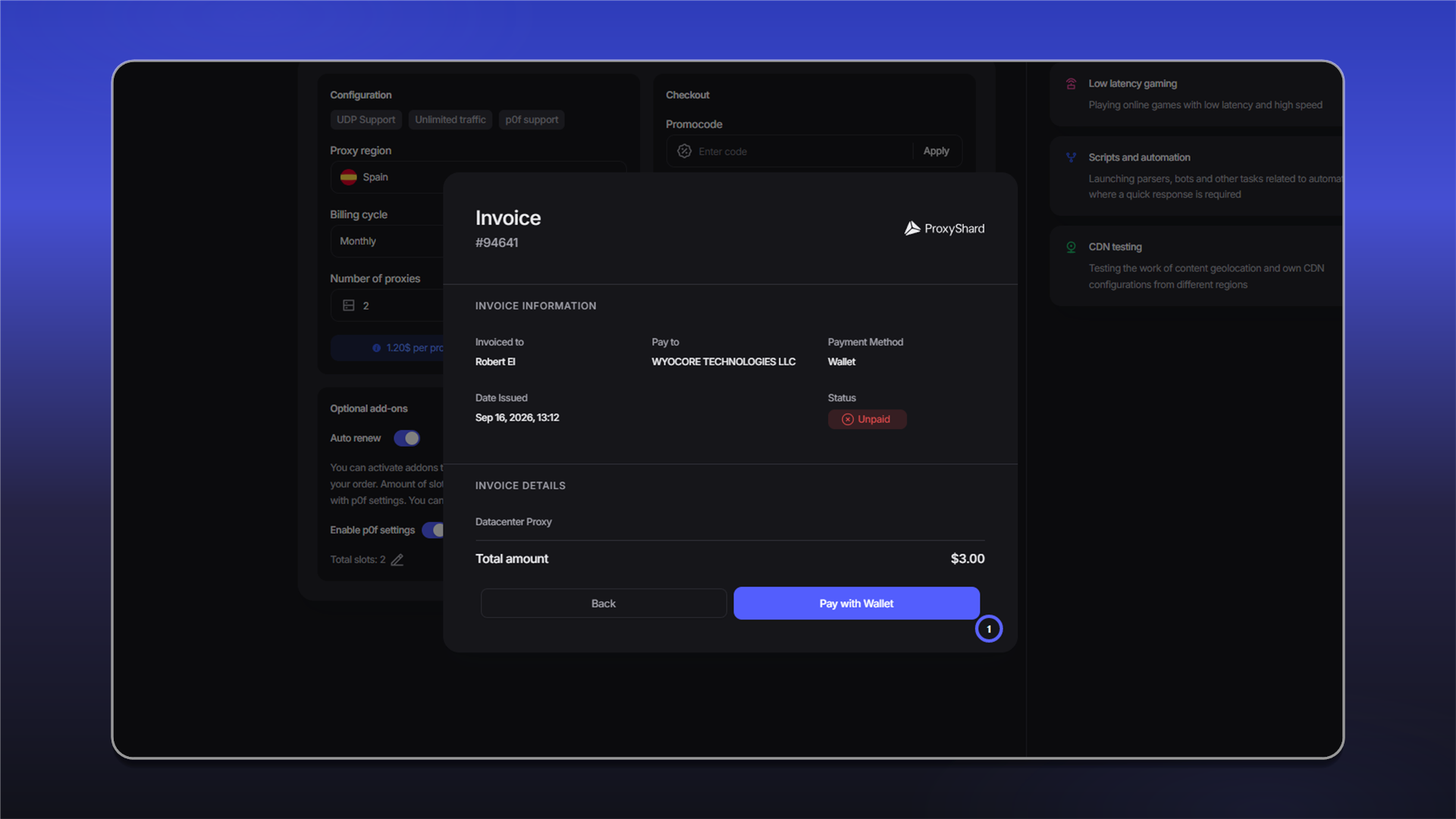
После приобретения, заказ автоматически откроется и будет доступен в панели "<mark style="color:purple;">Active Product</mark>" или в "[<mark style="color:purple;">My orders</mark>](https://dashboard.proxyshard.com/products)"

<figure><img src="/files/qaZ8sKAHrc6aPPektAWw" alt=""><figcaption></figcaption></figure>

{% hint style="warning" %}
Прокси начнут работать в течении 1-2 минут, это время требуется для синхронизации заказа
{% endhint %}

## Продление Датацентр прокси

Продление продукта возможно автоматически и ручное\
\
При автоматической оплате, за 1-2 часа, заказ попытается автоматически произвести продление.\
Если средств для продления хватает, то прокси автоматически продлеваются, при нехватки средств, прокси перестают работать и будут ожидать пополнение счета в <mark style="color:purple;">течении трех дней</mark>.\
\
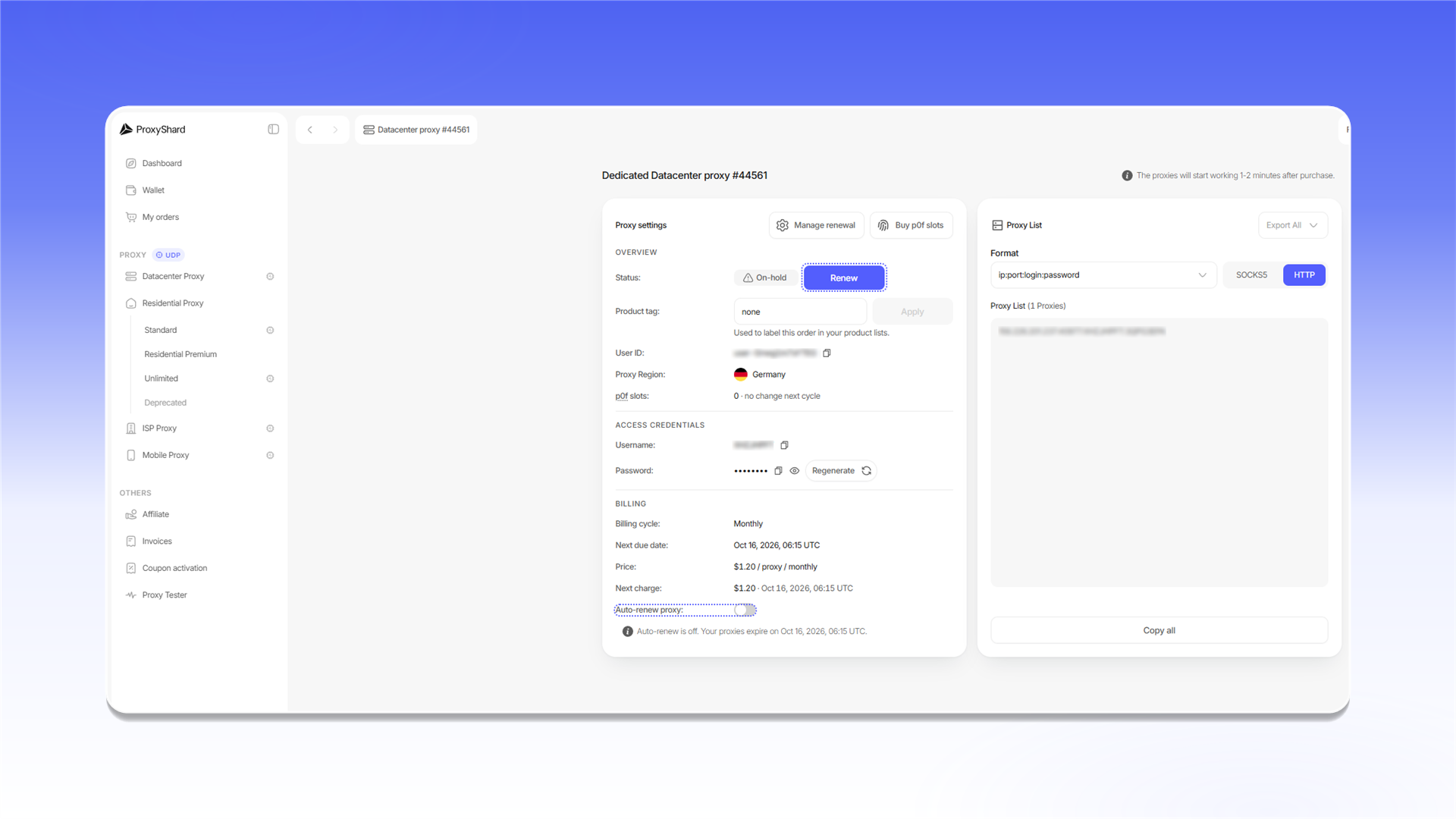
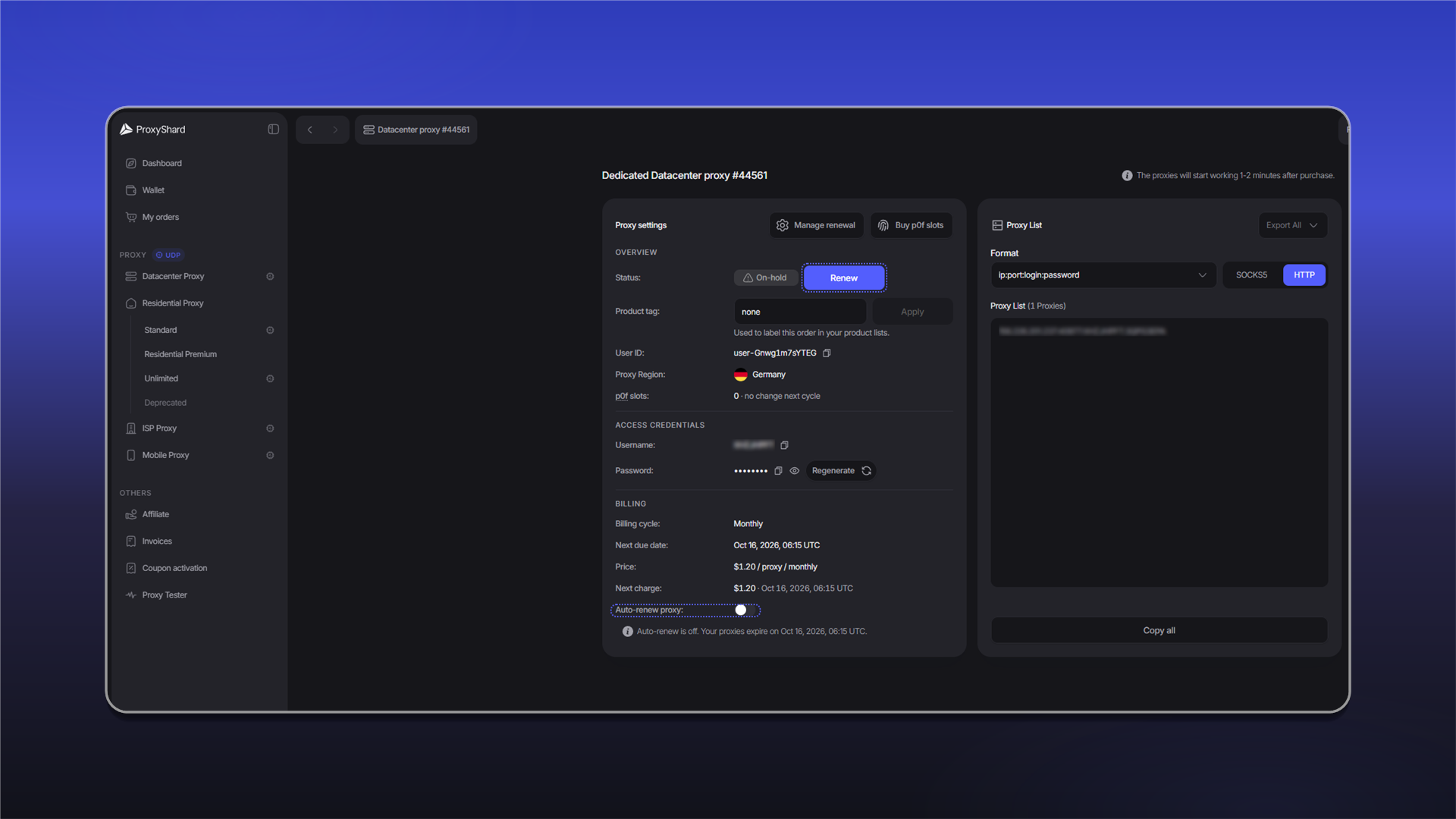
При отключенной функции автоматического продления, прокси будут ожидать (Статус <mark style="color:$warning;">On-hold</mark>) ручной оплаты, для этого в заказе требуется нажать ![](/files/e0Di6flZfwqTeAidLxFV)

<figure><img src="/files/wLbQ72eOO04z5FdGlPbP" alt=""><figcaption></figcaption></figure>

{% hint style="danger" %}
Прокси со статусом "<mark style="color:$danger;">Canceled</mark>" продлить невозможно, данный статус наступает по истечении трех дней с момента неуплаты заказа.
{% endhint %}


---

# Agent Instructions
This documentation is published with GitBook. GitBook is the documentation platform designed so that both humans and AI agents can read, navigate, and reason over technical content effectively. Learn more at gitbook.com.

## Querying This Documentation
If you need additional information that is not directly available in this page, you can query the documentation dynamically by asking a question.

Perform an HTTP GET request on the current page URL with the `ask` query parameter, and the optional `goal` query parameter:

```
GET https://docs.proxyshard.com/site-navigation/buying-and-renewing/buying-datacenter-proxies.md?ask=<question>&goal=<endgoal>
```

`ask` is the immediate question: it should be specific, self-contained, and written in natural language.
`goal` is optional and describes the broader end goal you are ultimately trying to accomplish on behalf of the user. GitBook uses it to tailor the answer towards what is most useful for that goal.

The response will contain a direct answer to the question and relevant excerpts and sources from the documentation.

Use this mechanism when the answer is not explicitly present in the current page, you need clarification or additional context, or you want to retrieve related documentation sections.