ISP прокси
ISP прокси, как и Датацентр прокси, выдаются одному пользователю без скрытого шейринга. Адреса относятся к типу IPv4 и поддерживают UDP.
ISP прокси сочетают преимущества Residential и Datacentre. Они такие же стабильные и статические, как Datacentre, но используют IP-адреса, зарегистрированные у домашних интернет-провайдеров.
Это делает их подходящим вариантом для Tier-1 сайтов и сервисов, чувствительных к типу IP. Поддержка UDP также позволяет использовать их для WebRTC и других сценариев с UDP-трафиком.
ISP прокси поддерживают подмену сетевого отпечатка p0f.
dashboard.proxyshard.comhttps://dashboard.proxyshard.com/en/isp-proxyПошаговая инструкция по покупке и оплате: Приобретение ISP-прокси.
Актуальные ограничения продукта приведены на странице Ограничения.
Характеристики
| Параметр | Значение |
|---|---|
| Тип IP | IPv4 (домашний провайдер) |
| Шеринг | Нет - один IP на одного пользователя |
| Лимит подключений | 2 500 на IP |
| Поддержка UDP | ✓ |
| Поддержка p0f | ✓ (+$0.6 / IP в месяц) |
| Стоимость | $2 / IP в месяц |
Доступные локации
| Страна |
|---|
| 🇹🇷 Турция |
| 🇺🇸 США |
| 🇨🇿 Чехия |
| 🇺🇦 Украина |
Список локаций постоянно расширяется.
Как приобрести
- Откройте раздел
ISP Proxy. - В поле
Proxy regionвыберите страну. - В поле
Number of proxiesукажите количество прокси. - Включите
Auto renew, если заказ нужно продлевать автоматически. - При необходимости включите
Enable p0f settings. - В поле
Total slotsукажите, для скольких прокси нужна подмена p0f. - Если у вас есть промокод, введите его в поле
Promocodeи нажмитеApply. - Проверьте стоимость и нажмите
Buy now.
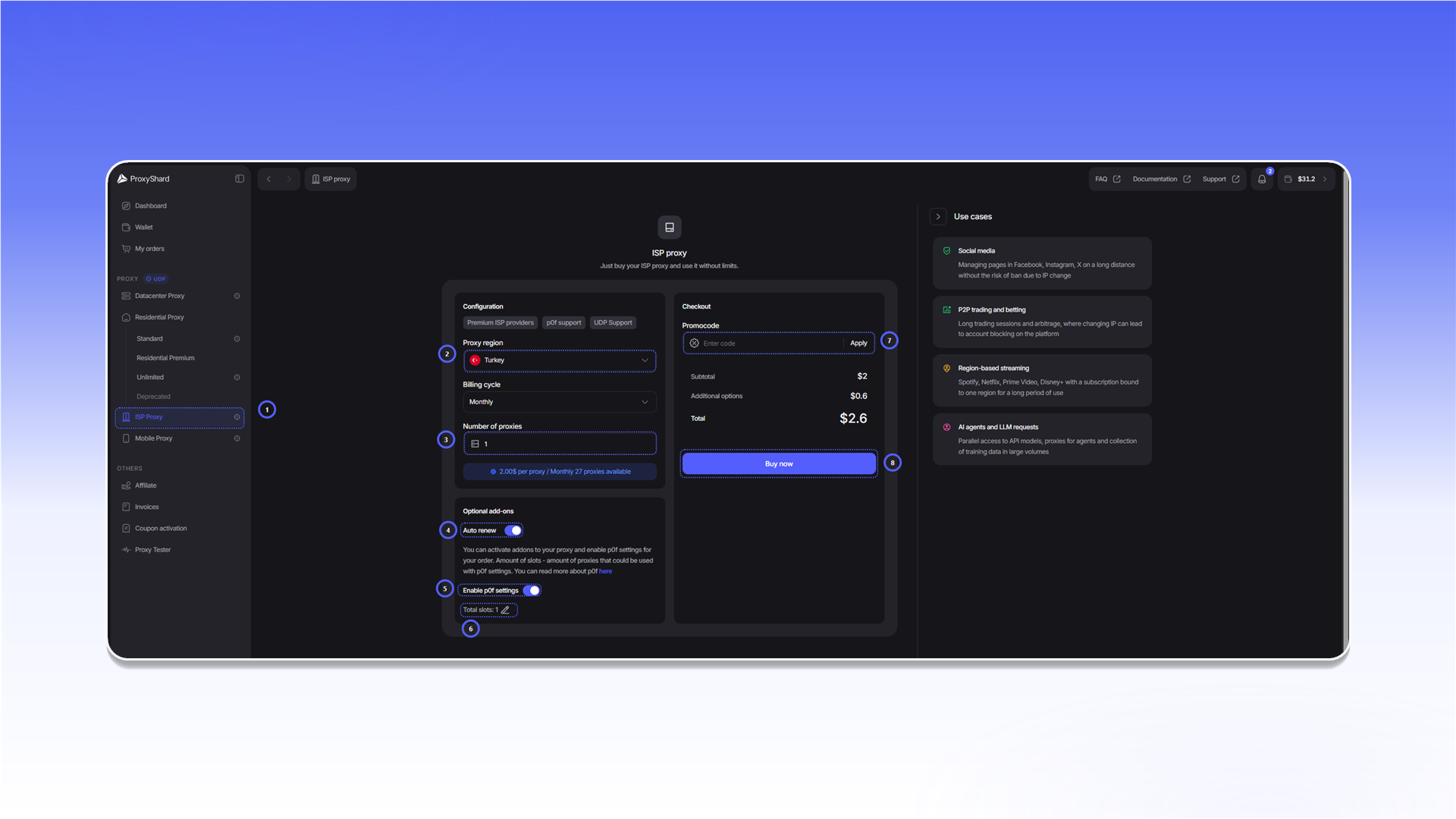
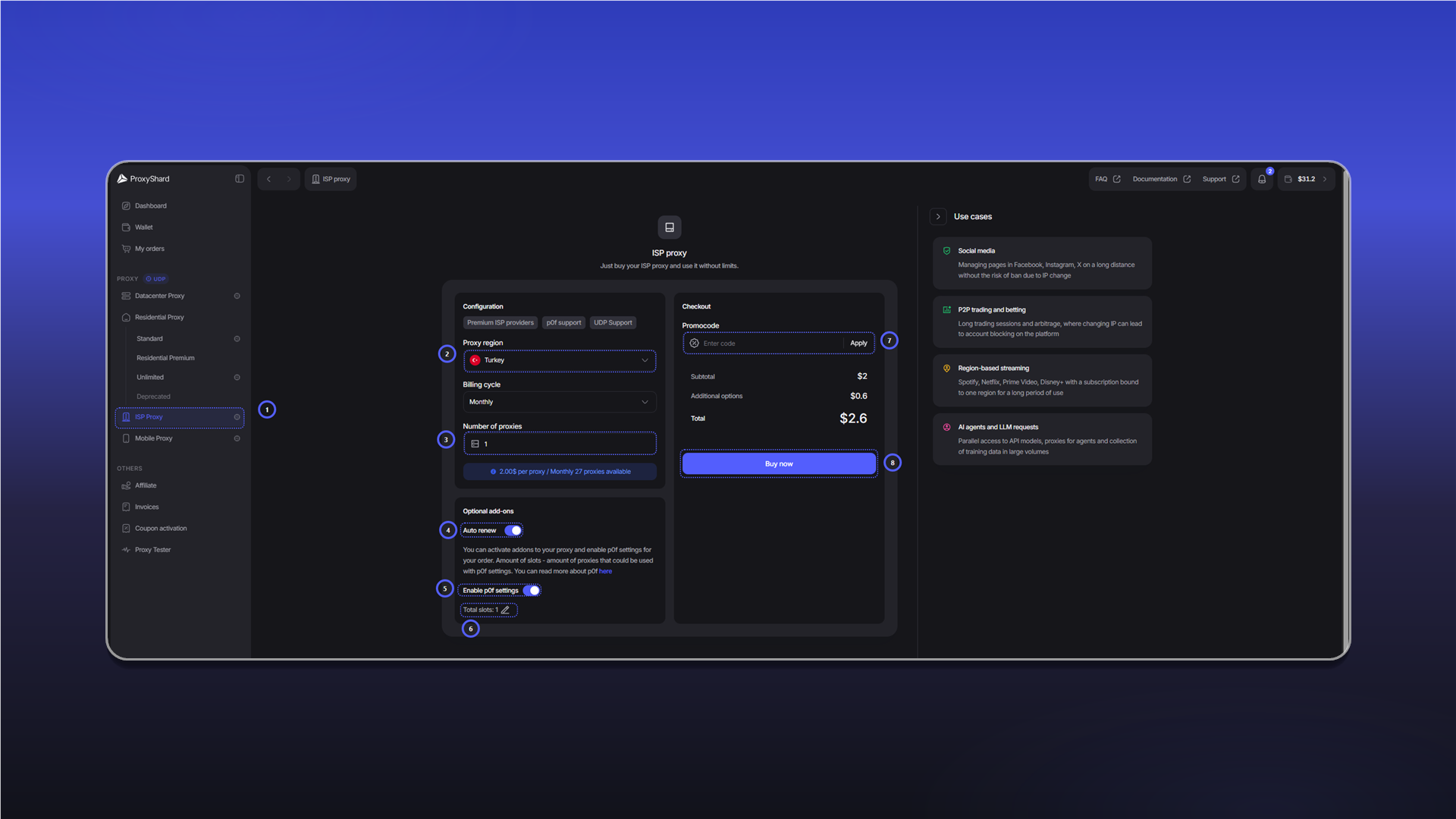
Оплата и продление заказа описаны в инструкции Приобретение ISP-прокси.
После оплаты подождите 1-2 минуты, пока заказ синхронизируется и прокси начнут работать.
Поля заказа
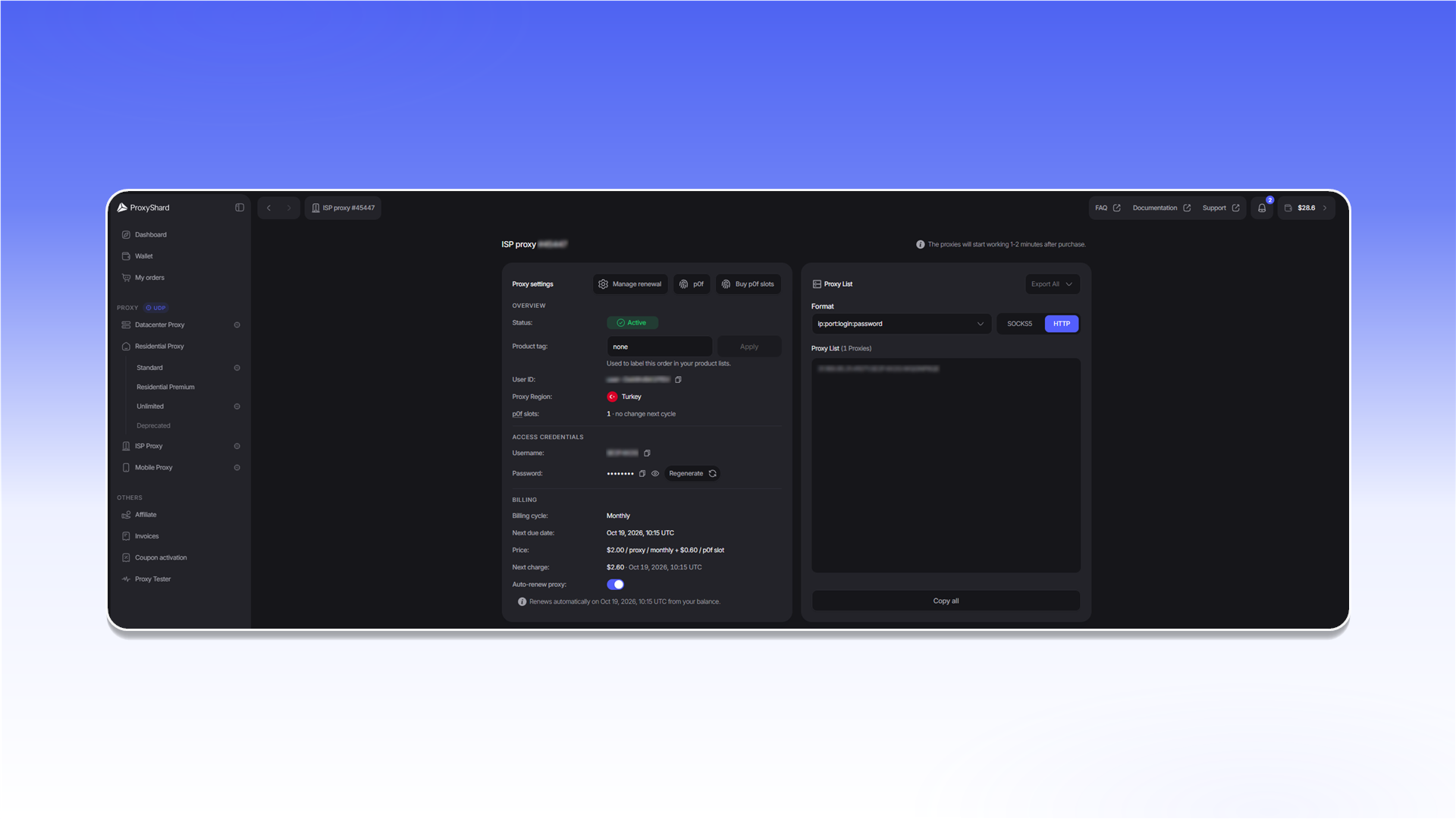
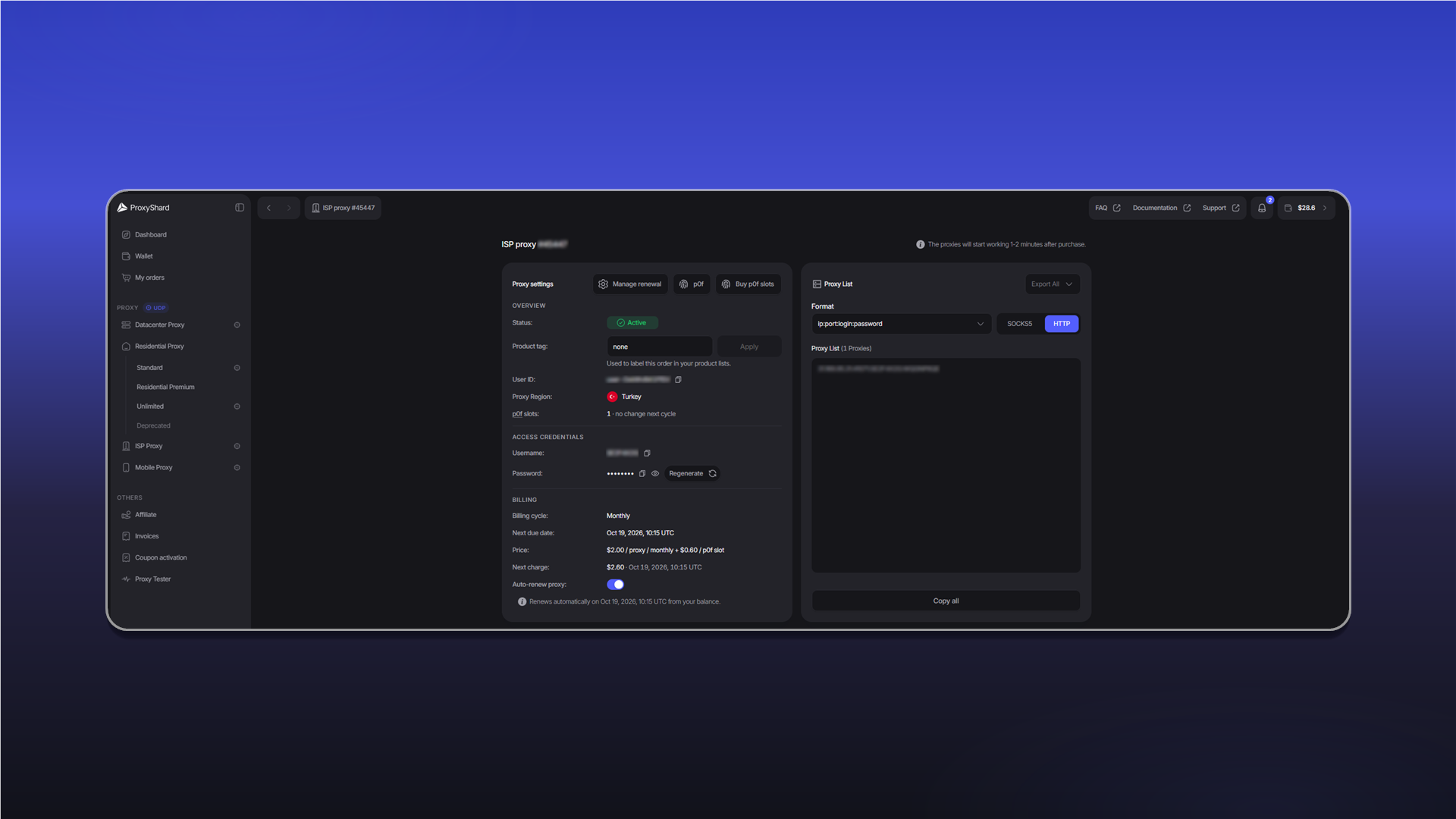
Statusпоказывает состояние заказа:Active,On-holdилиCanceled.Product tagзадаёт метку для поиска заказа в списках.User IDиспользуется для внутренней идентификации заказа и может потребоваться при обращении в поддержку.Proxy Regionпоказывает выбранную страну.p0f slotsпоказывает количество активных слотов p0f и их изменение в следующем платёжном периоде.UsernameиPasswordсодержат данные авторизации. КнопкаRegenerateсоздаёт новый пароль, после чего старые строки подключения перестают работать.Billing cycle,Next due date,PriceиNext chargeпоказывают срок аренды и данные следующего платежа.Auto-renew proxyуправляет автоматическим продлением. Те же настройки доступны черезManage renewal.- Кнопки
p0fиBuy p0f slotsоткрывают настройки подмены отпечатка и покупку дополнительных слотов. - В блоке
Proxy Listможно выбратьHTTPилиSOCKS5, изменить формат строки, скопировать список черезCopy allили выгрузить его черезExport All.
Заказ со статусом Canceled восстановить нельзя. Этот статус присваивается через три дня после неоплаты.
Для каких задач подходит
Любые криптобиржи, Polymarket, стабильные сессии web scraping, SEO мониторинг, e-commerce мониторинг цен, проверка маркетплейсов, ad verification, brand monitoring, тестирование сайтов из домашнего провайдерского ASN, QA авторизации и пользовательских сценариев, мониторинг доступности сайтов, account management.
Плюсы и минусы ISP прокси
Плюсы:
- Настоящие ISP адреса - IP числятся за реальными домашними интернет-провайдерами (в геолокационных базах тип ASN - провайдер, а не хостинг)
- Надёжные операторы домашней связи
- Широкий канал с минимальной задержкой
- Статические адреса в одни руки - IP не меняется на протяжении аренды
- Поддержка p0f и UDP
Минусы:
- Цена - выше, чем у Datacenter прокси
- Количество доступных локаций - крайне сложная интеграция с реальными провайдерами, но мы постоянно расширяем список
Примеры настройки прокси собраны в разделе Инструкция по использованию.
Обновлено