IP Checker
ProxyShard IP Checker is a free tool for checking your IP address, geolocation, browser data, WebRTC leaks, and a unique browser profile quality score.
proxyshard.comhttps://proxyshard.com/ip-checker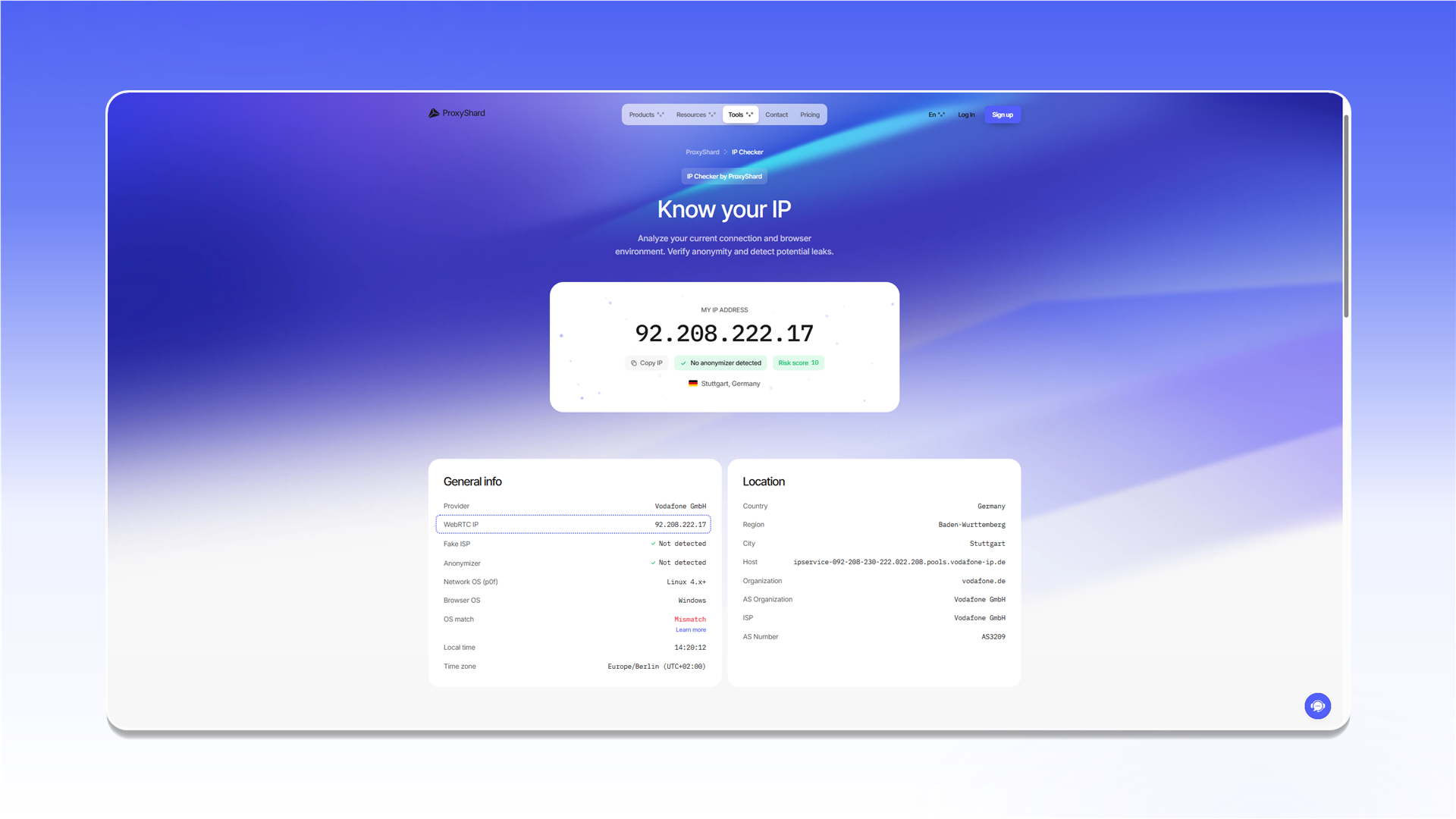
Main fields
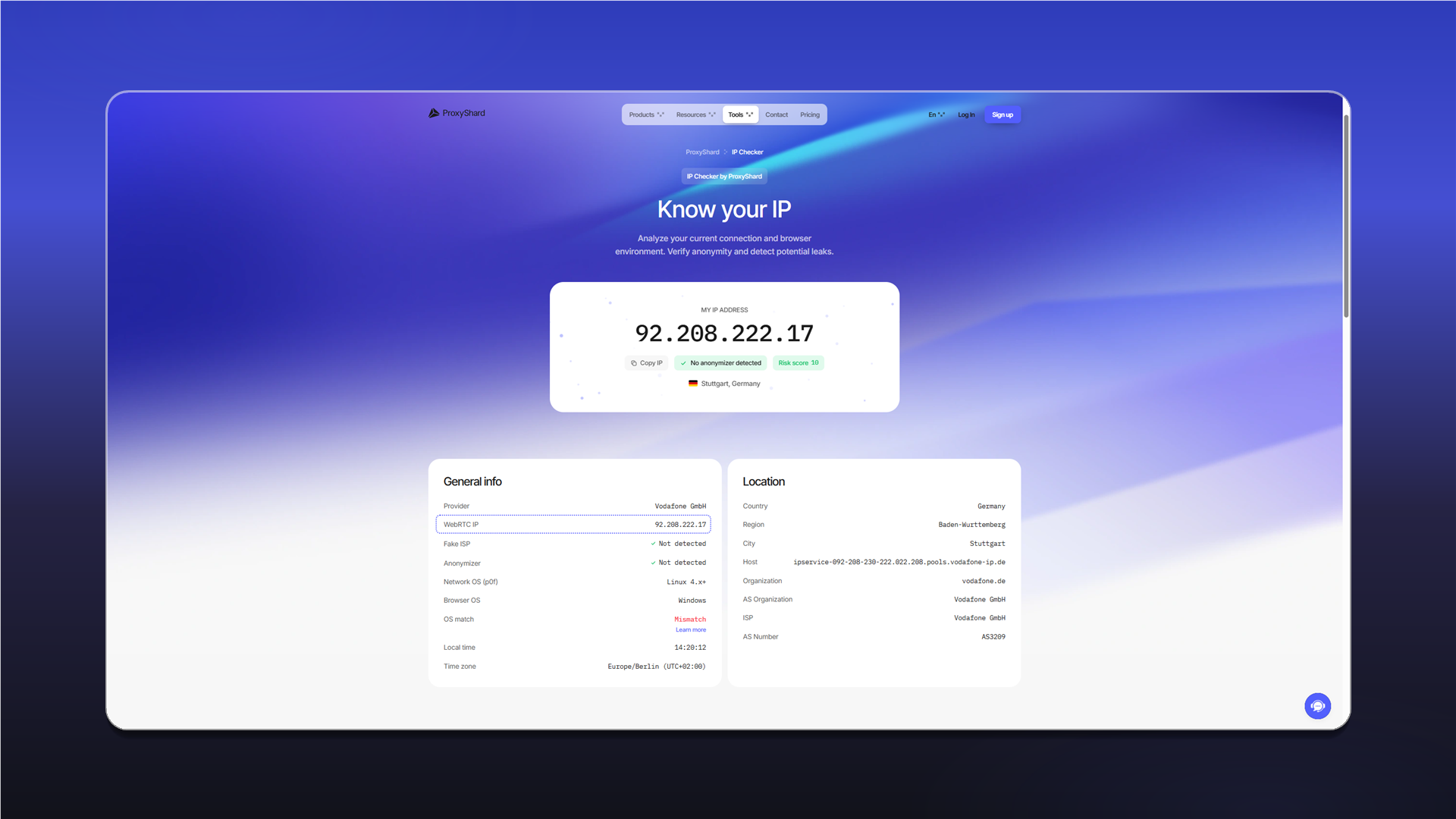
My IP address
Your current external IP address that all websites see. A country flag and copy button are shown next to it. If the proxy is connected correctly, this should be the proxy server IP, not your real address.
Risk score
A numeric risk score based on the detected anonymity issues. The lower, the better.
Open the detailed diagnostics to see a report for each parameter.
General info
Provider
The name of the internet provider (ISP) that owns your IP. For example: WYOCORE TECHNOLOGIES LLC. If you use a proxy, this field will show the proxy server provider.
WebRTC IP
This is the most important field. If "WebRTC is leaked" is displayed, your real IP is visible to websites while the proxy is active. More details: How a WebRTC leak works
WebRTC is a browser protocol for p2p connections. It can expose the real IP by bypassing proxies and VPNs. This field shows the IP detected by WebRTC. If it differs from My IP address, there is a leak.
| Status | What it means |
|---|---|
WebRTC is leaked | A leak was detected; the real IP is visible |
WebRTC is blocked | WebRTC is blocked; there is no leak |
| (empty field) | WebRTC was not detected; there is no leak |
Under normal conditions, WebRTC should display the proxy IP address itself.
Fake ISP
Checks whether the provider is "fake". This is common for some VPN services that mask their origin. No means the provider is real.
Host
Reverse DNS record for your IP (PTR record). Shows which domain name is linked to the address.
Anonymizer
Determines whether your IP belongs to known anonymizing infrastructure: VPN, proxy, or Tor. No means the IP is not listed in anonymizer databases.
Browser Status Report
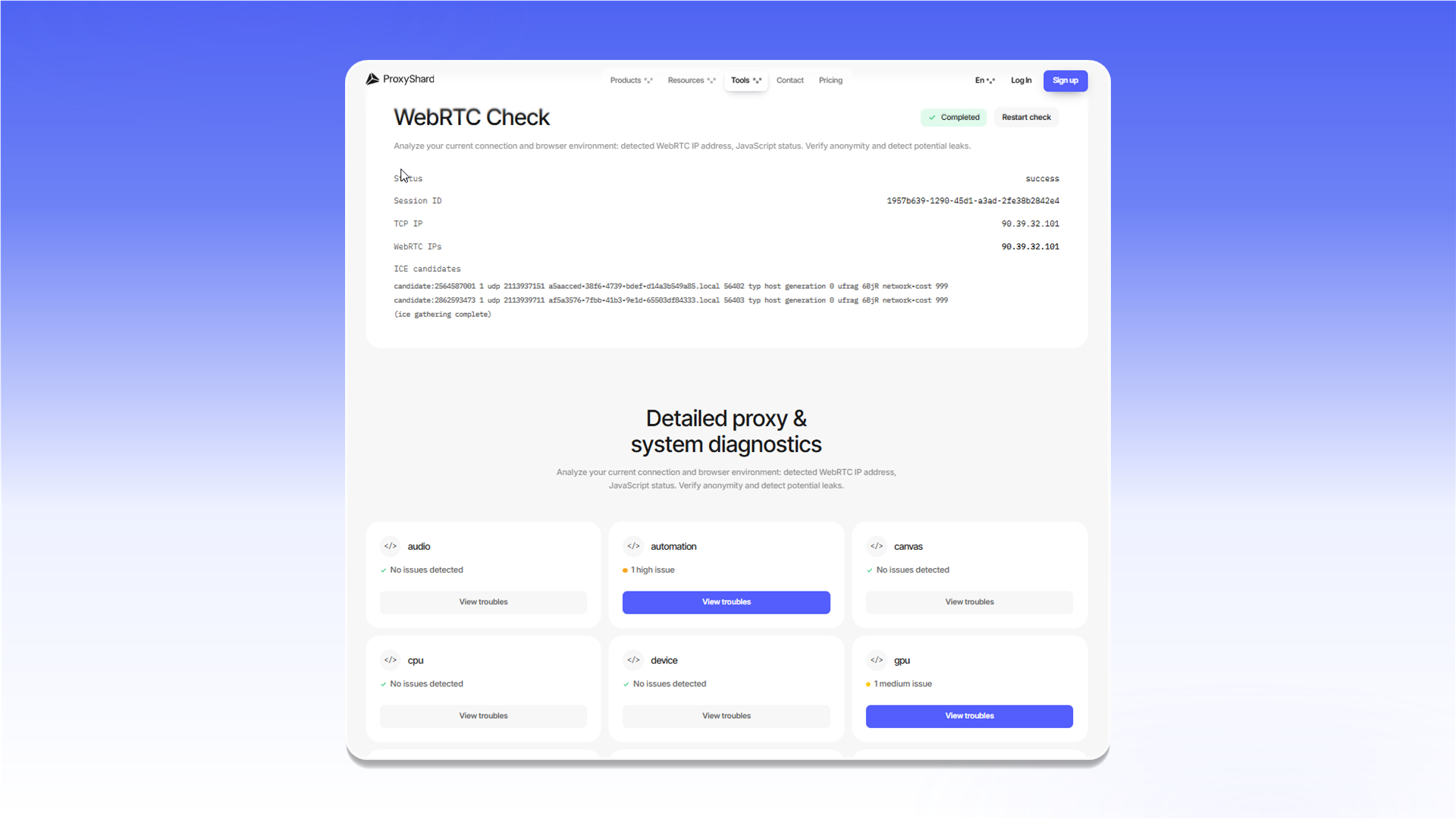
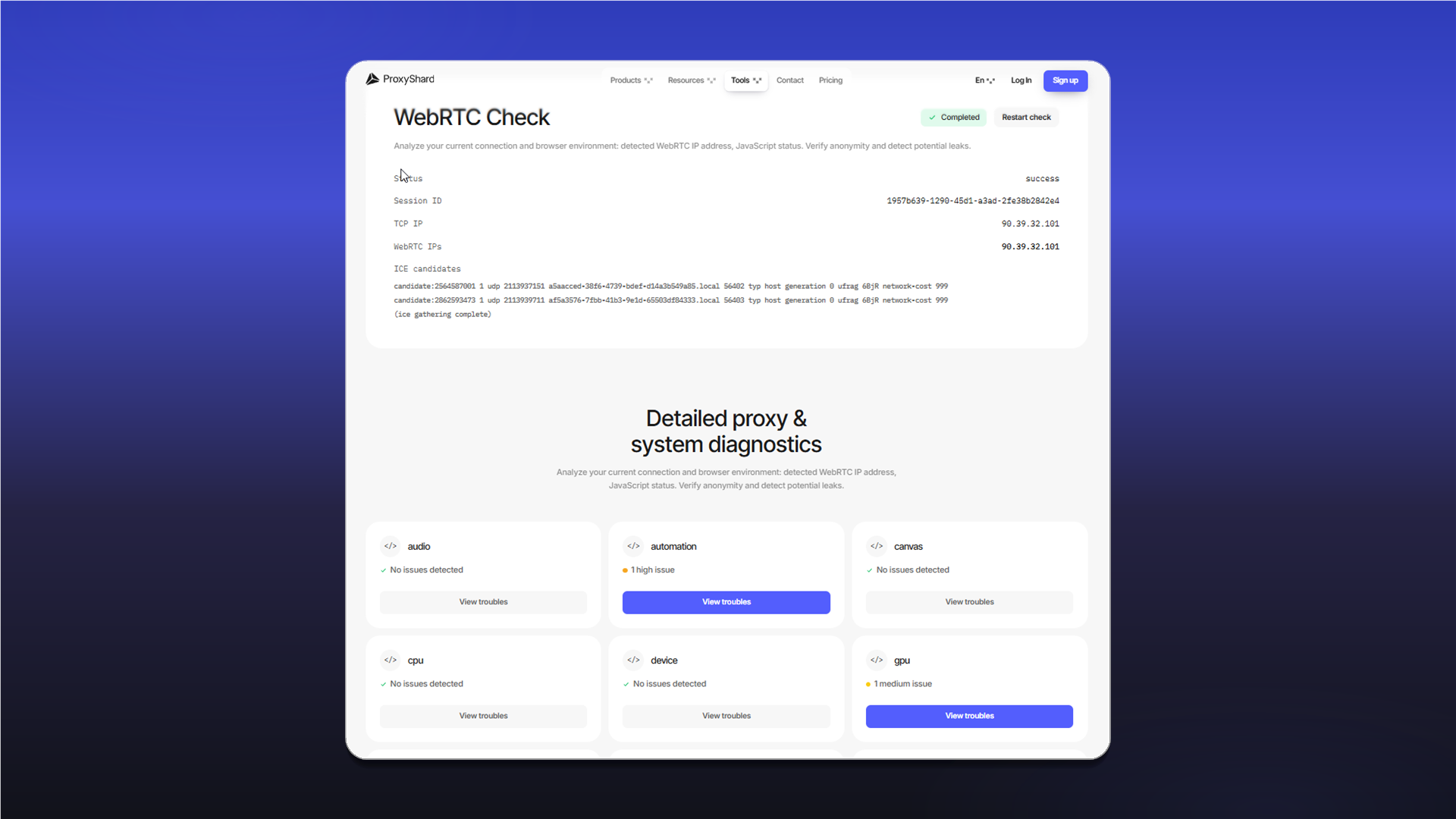
The detailed diagnostics show browser and network analysis results grouped by severity. To view information about a detected issue, click View troubles on the corresponding card.
| Level | What it means |
|---|---|
| Critical | Critical leak; real data is definitely exposed |
| High | Serious issue; high deanonymization risk |
| Medium | Medium risk; suspicious parameter |
| Low | Low risk; minor mismatch |
| Info | Informational; does not affect anonymity |
Checked parameters
ISP / Connection type
Determines the IP address type: residential (home), datacenter/hosting (data center), or mobile. Datacenter addresses are marked as medium because they are easily detected by websites with strict anti-bot policies.
Example:
ISP: IP 156.226.202.211 - datacenter/hosting (WYOCORE TECHNOLOGIES LLC), ASN AS214413
WebRTC Leak
Checks whether the browser exposes the real IP through the WebRTC API. If an IP different from the proxy is detected, the level is critical.
Timezone
Compares the browser time zone (Intl.DateTimeFormat) with the IP geolocation. If they do not match (for example, the IP is from Germany while the browser shows UTC+3), this indicates proxy usage.
Language
Checks the browser's navigator.language and navigator.languages. If the browser language (for example, ru-RU) does not match the IP country, anti-fraud systems will notice it.
Screen Resolution
Analyzes screen resolution and aspect ratio. Non-standard values may indicate a virtual machine or a headless browser.
Canvas Fingerprint
Draws a hidden element on the page and reads its pixel hash. Each device renders it slightly differently, which creates a unique fingerprint. A modified or empty Canvas is a sign of an antidetect browser.
WebGL / GPU
Reads graphics card information through the WebGL API: RENDERER and VENDOR (for example, ANGLE (NVIDIA GeForce RTX...)). This can expose real hardware and help identify the device.
Audio Fingerprint
Generates an audio signal through AudioContext and reads its hash. It works on the same principle as Canvas: it creates a unique fingerprint for each device. Antidetect browsers replace this value.
Automation / WebDriver
Checks automation indicators:
navigator.webdriver- this flag is set by Selenium, Puppeteer, and Playwrightchrome.runtimeand other CDP artifacts- Non-standard
windowproperties
If detected, the level is high or critical.
Fonts
Detects the list of installed fonts through CSS and Canvas. The font set is unique for each OS and user and is used for identification even when the IP changes.
Cookies / localStorage
Checks whether cookies and localStorage are enabled in the browser. Disabled storage is atypical behavior, usually seen in special configurations.
Do Not Track (DNT)
Reads the DNT header value. It is not critical by itself, but it is part of the overall browser fingerprint.
Geolocation API
Checks whether navigator.geolocation is available and how it correlates with IP geolocation. Permission to determine geolocation is not requested; the mere presence of the API is already informative.
Hardware Concurrency
navigator.hardwareConcurrency is the number of logical CPU cores. Non-standard values (for example, 1) are typical for virtual machines.
Device Memory
navigator.deviceMemory is the amount of RAM in GB (rounded value). Together with hardwareConcurrency, it helps detect a VM or headless environment.
Platform
navigator.platform is the browser platform (Win32, MacIntel, Linux x86_64). If it does not match the User-Agent, this is a clear sign of data spoofing.
Ad Blocker
Detects an ad blocker (uBlock, AdGuard, etc.) by attempting to load known advertising scripts. This is part of the overall fingerprint profile.
Dark Mode
Reads prefers-color-scheme - the dark or light OS theme. This is a small but stable fingerprint parameter.
Touch / Pointer
Checks navigator.maxTouchPoints and pointer type (mouse, touch, pen). If the User-Agent indicates a mobile device but no touchscreen is detected, this is a sign of emulation.
How to read the result
Everything is fine: My IP address = proxy IP, WebRTC is not detected or is blocked, Risk score = 0, ISP type = residential.
Normal for Datacenter / ISP proxies: ISP type = datacenter/hosting. This is expected and is not a problem for most tasks.
Problem: If WebRTC shows an IP different from the proxy, the leak must be fixed immediately.
We strongly recommend a universal setup for all tasks:
ISP proxies + a good antidetect browser. Example setup: Vision
Last updated on