Getting started
The ProxyShard API lets you retrieve profile and order information, manage proxies, and perform other operations from your applications and scripts.
Where to get an API key
- In the bottom-left corner, click the three-dot button next to your profile.
- Select
Settings. - Open the
APItab. - Click
Copyto copy the key.
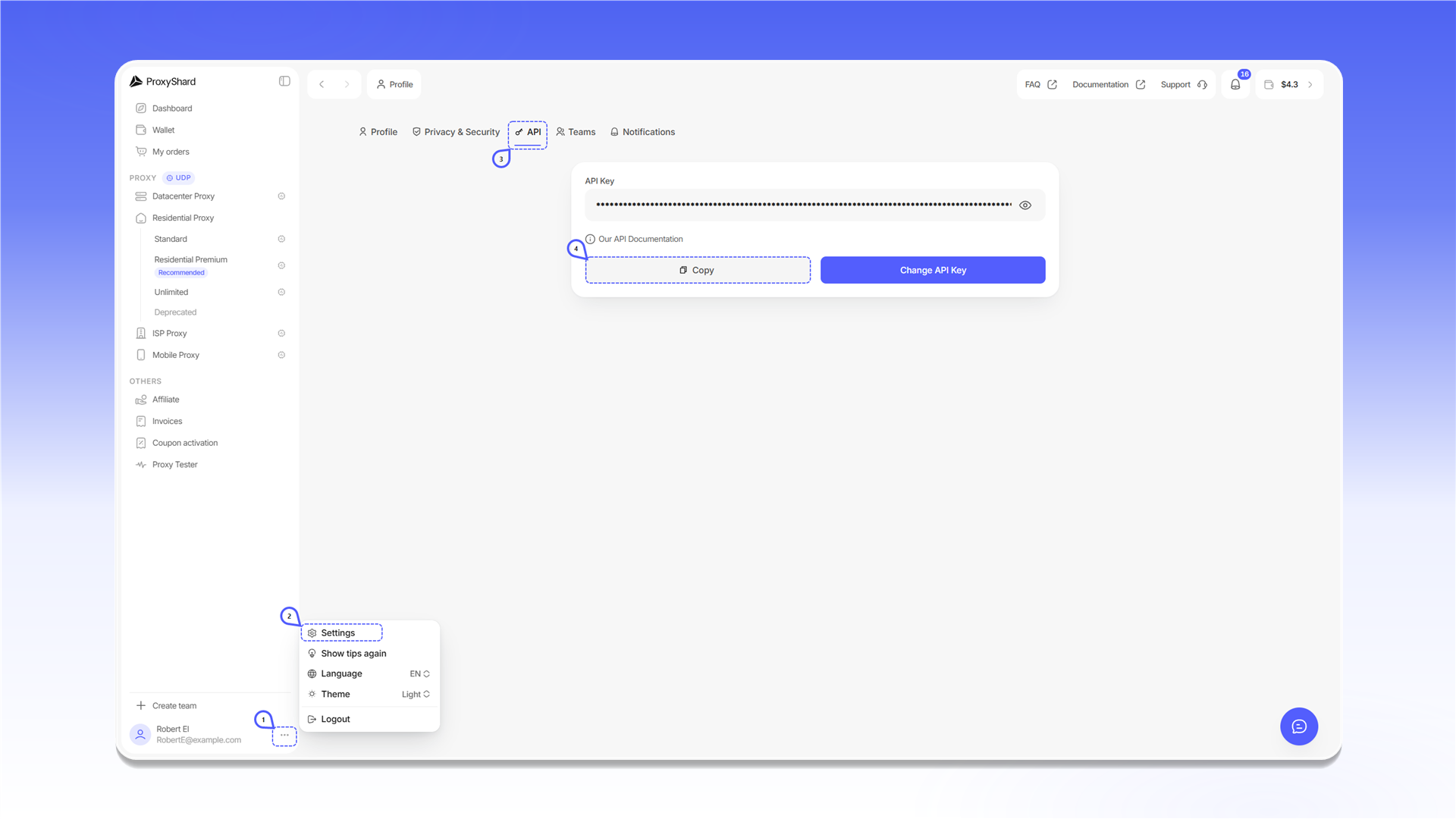
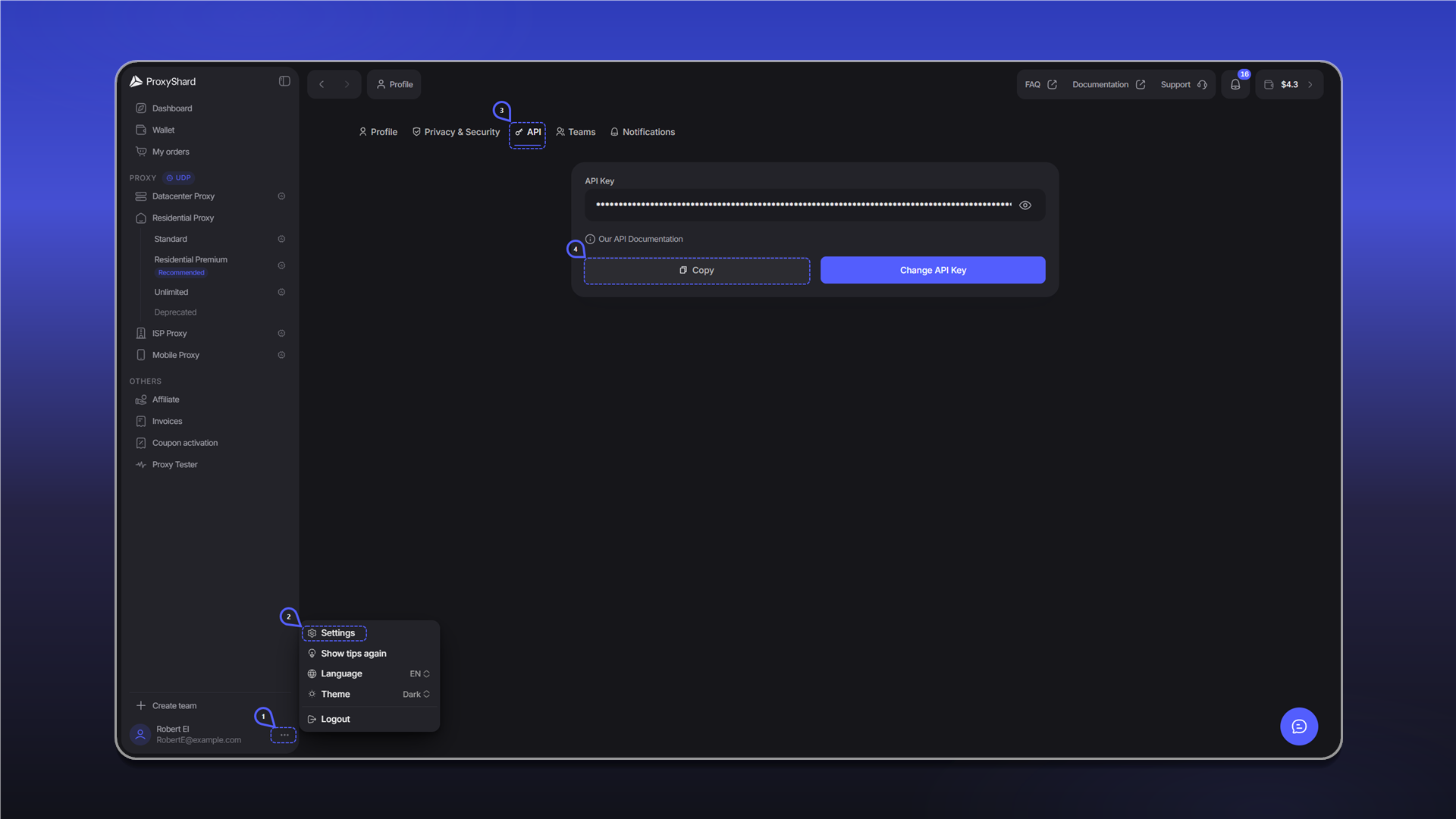
Do not publish your API key or share it with anyone. Change API Key creates a new key. After changing it, update the key in all scripts and integrations.
Authentication
API base URL: https://user-api.proxyshard.com.
For methods that require authentication, send the API key in the request header:
Authorization: Bearer <API_KEY>Last updated on