Getting started
The ProxyShard API lets you retrieve profile and order information, manage proxies, and perform other operations from your applications and scripts.
Where to get an API key
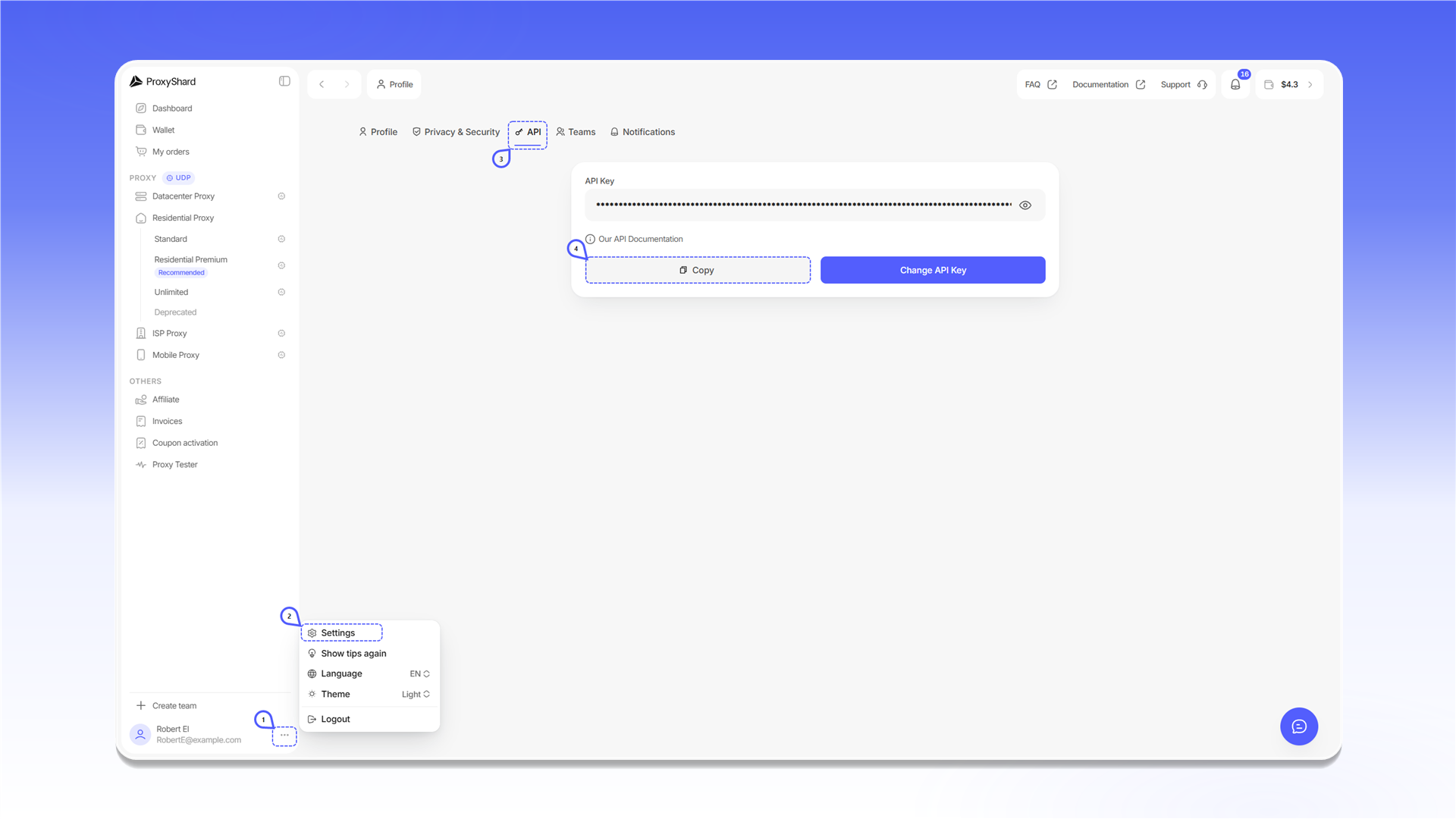
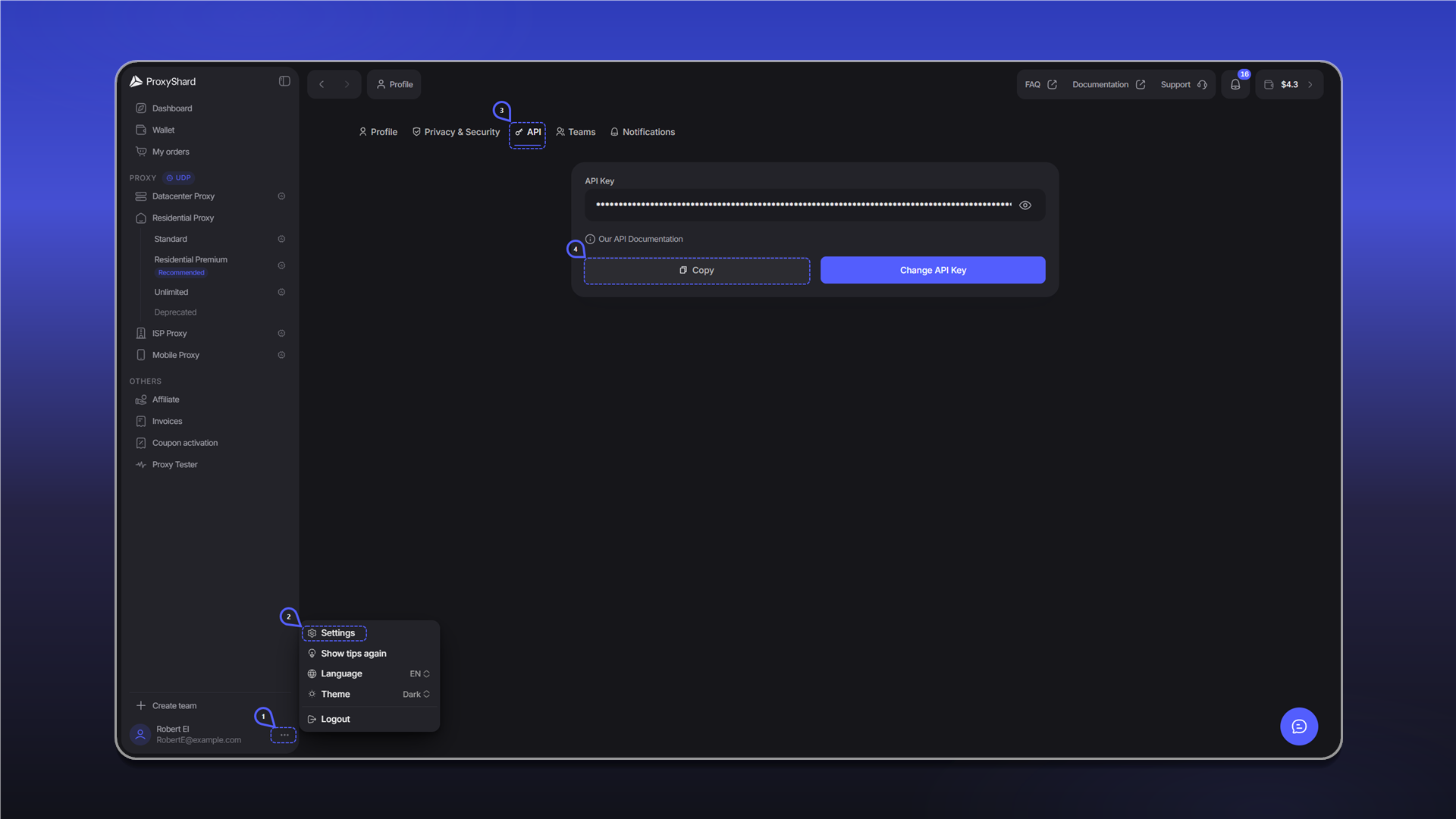
You can open the API key tab using this direct link. To reach it through the dashboard menu:
- In the bottom-left corner, click the three-dot button next to your profile.
- Select
Settings. - Open the
APItab. - Click
Copyto copy the key.
Do not publish your API key or share it with anyone. Change API Key creates a new key. After changing it, update the key in all scripts and integrations.
Authentication
API base URL: https://user-api.proxyshard.com.
For methods that require authentication, send the API key in the request header:
Authorization: Bearer <API_KEY>Last updated on