> For the complete documentation index, see [llms.txt](https://docs.proxyshard.com/llms.txt). Markdown versions of documentation pages are available by appending `.md` to page URLs; this page is available as [Markdown](https://docs.proxyshard.com/cn/about-proxyshard.md).
# 什么是 ProxyShard
ProxyShard 服务与产品简介
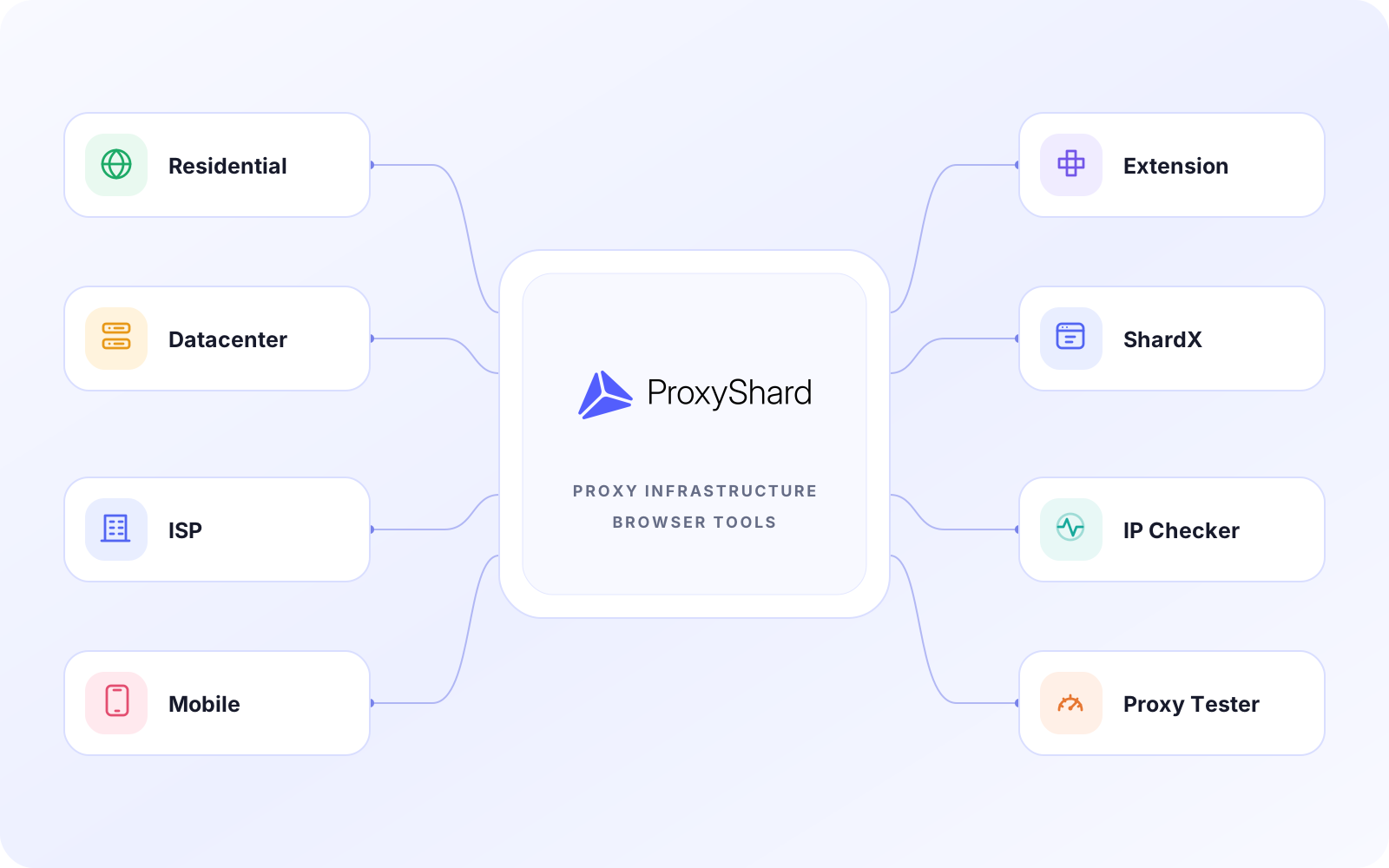
**ProxyShard** 提供住宅、数据中心、ISP 和移动代理,并配套浏览器操作、检测与自动化工具。数据中心和 ISP 地址只分配给一个客户,不与其他用户共享。UDP、p0f 修改及其他功能的可用性取决于具体产品和地区。
ProxyShard 的代理服务、浏览器工具和检测服务
***
## 我们的产品
### [住宅代理](/cn/our-products/residential-proxies.md)
来自家庭和移动运营商的 IP 地址,可配置地区、会话类型和连接参数。适合需要丰富地址资源和普通用户网络特征的任务。
### [数据中心代理](/cn/our-products/datacenter-proxies.md)
提供独享 IP 的高速静态代理。适合长时间会话,以及需要稳定连接、高速和固定地址的任务。
### [ISP 代理](/cn/our-products/isp-proxies.md)
部署在互联网服务提供商网络中的静态地址。它兼具数据中心代理的稳定性和 ISP 网络特征,并只分配给一个客户。
### [移动代理](/cn/our-products/mobile-proxies.md)
支持选择国家和运营商的移动网络代理。可通过链接切换 IP,具体参数取决于所选套餐和地区。
### [ProxyShard Extension](/cn/tools/proxyshard-extension.md)
适用于 Chrome、Firefox 和 Chromium 浏览器的扩展。可保存代理配置、切换并测试连接,还能通过定时器或快捷键轮换移动代理 IP。
### [ShardX Launcher](/cn/tools/shardx-launcher.md)
用于隔离浏览器配置的现代防关联浏览器,可为每个配置使用一致的指纹和独立代理。支持 Windows、macOS 和 Linux,并提供本地 HTTP API、CDP、Puppeteer、Playwright 以及用于自动化的 MCP 服务器。
### [IP Checker](/cn/tools/ip-checker.md)
用于检测 IP 地址、UDP、FakeISP 特征、WebRTC 行为和浏览器配置参数。可在开始工作前确认连接状态。
### [Proxy Tester](/cn/tools/proxy-tester.md)
检测代理可用性、响应时间、出口 IP 和 UDP 支持。可快速测试单个地址或代理列表。
---
# Agent Instructions
This documentation is published with GitBook. GitBook is the documentation platform designed so that both humans and AI agents can read, navigate, and reason over technical content effectively. Learn more at gitbook.com.
## Querying This Documentation
If you need additional information that is not directly available in this page, you can query the documentation dynamically by asking a question.
Perform an HTTP GET request on the current page URL with the `ask` query parameter, and the optional `goal` query parameter:
```
GET https://docs.proxyshard.com/cn/about-proxyshard.md?ask=&goal=
```
`ask` is the immediate question: it should be specific, self-contained, and written in natural language.
`goal` is optional and describes the broader end goal you are ultimately trying to accomplish on behalf of the user. GitBook uses it to tailor the answer towards what is most useful for that goal.
The response will contain a direct answer to the question and relevant excerpts and sources from the documentation.
Use this mechanism when the answer is not explicitly present in the current page, you need clarification or additional context, or you want to retrieve related documentation sections.